3 min
Expo UI is the native primitives, not a copied stylesheet
A stylesheet can imitate the native look. I tag Expo UI when the control is the primitive the platform actually ships.
I kept coming back to the same idea while I was working in React Native. It would be cool to have, in one place, every component powered by native primitives under the hood. So you could browse the real controls instead of hunting them.
So I started tagging them. If you are already on Expo UI and you want to keep going — as many native primitives as you can, for the look and for the way they actually run — they live in the Native facet.

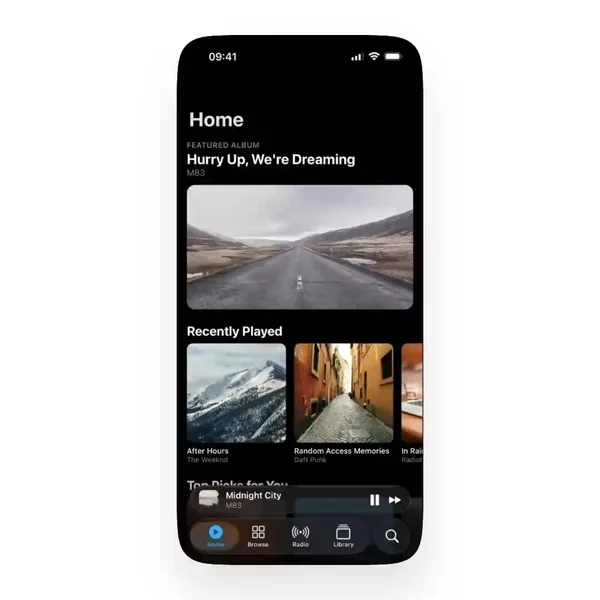

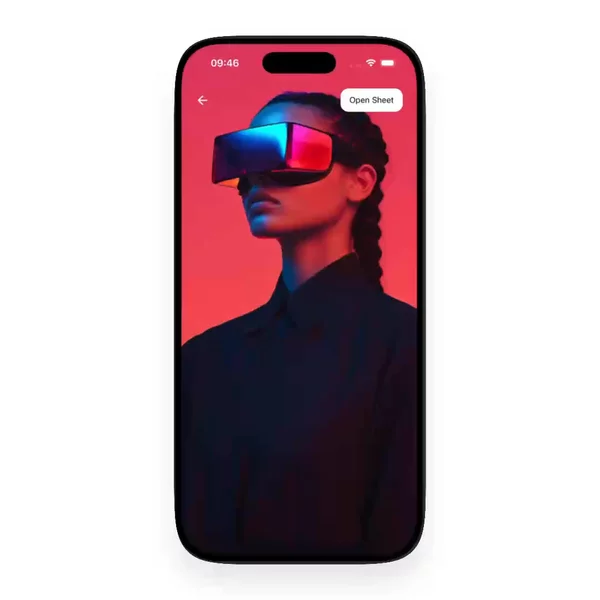

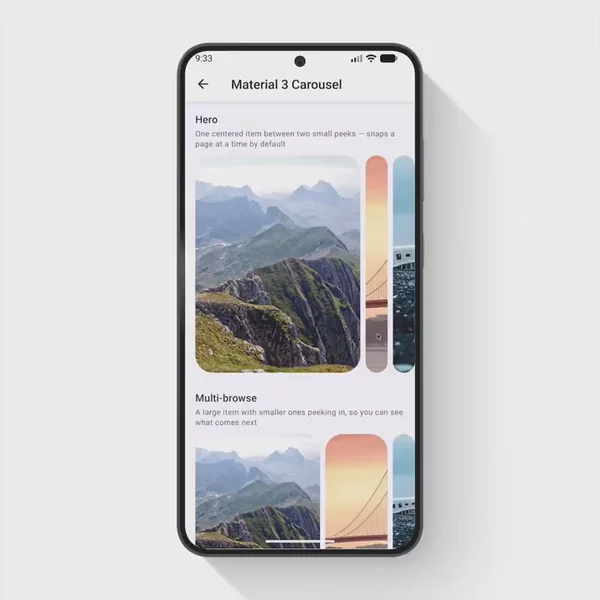

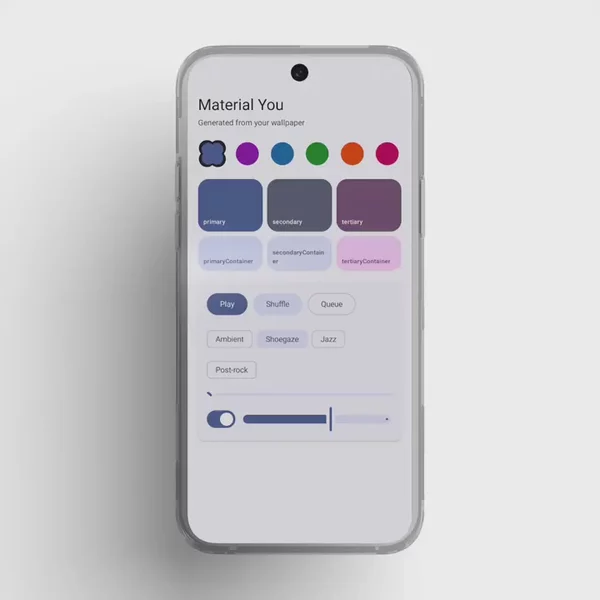
Looking native is not the same as being native
A Pressable with a rounded fill can resemble an iOS button. A Switch built from two views and a spring can resemble the control in Settings. On a marketing screenshot, that is often enough. On a device, it is not.
The real control brings the platform with it: the haptics, the focus ring, the scroll physics, the way a picker wheels instead of sliding a JS list. Recreating that in JavaScript is a look. Using the primitive is a contract with the OS. The first one drifts the moment iOS ships a new material. The second one is already there.
This is the split I care about on a settings screen, a date field, a segmented control, a sheet. You can ship all of those as React Native UI that merely quotes the system. Or you can ship the system.
The Host is a different tree
@expo/ui is the clearest version of the second path. Import from the package root and, on a phone, you are not getting a JS clone. On iOS the universal components delegate to SwiftUI. On Android they delegate to Jetpack Compose. They still need a Host. Inside that Host, layout is the platform's — Row and Column, not Yoga pretending.
That is the performance argument, stated plainly. A native picker does not ask JavaScript to keep a wheel at sixty frames. The widget is the widget.
The tradeoff is real. Reach for @expo/ui/swift-ui or @expo/ui/jetpack-compose when the universal API does not surface a modifier you need — glassEffect(), a docked search bar. Those platform packages are still native primitives. They are just not the same tree as the rest of your Views. Mixing a JS header with a SwiftUI form is normal. It is also work. A tag cannot do that work for you.
And that stack is not the only primitive in the ecosystem. Menus, context menus, segmented controls, and system sheets have been wrapping native views for years. I tag those too when I find them. The approach is the same: if the thing on screen is the OS control, it belongs on the shelf.
The tag is the shelf I wanted
I wanted developers who had chosen that path to see the rest of it in one browse. Video first, so you can tell a styled clone from the real control before you clone anything. The Native tag is that mark.
It is not a promise that a block will drop into your Host unchanged. Some of what I collect is a preview of the behavior, not code you can paste. It is a starting point: these are the ones powered by native primitives, in one place, instead of scattered across READMEs that all say "native look and feel" and mean a border radius.
Everything I have tagged that way is in this filter. I add more when I find them.