4 min
Buttons, FABs, swipe rows, and toolbars
Press the button, the FAB, the row, or the toolbar. The component changes. The press does not.
You ship a list and the ticket still says add delete. By Friday it is a swipeable row on iOS and a toolbar button on Android. The actions keep changing names while the job stays put: give people something honest to press.
Here are the notes I keep while reviewing those surfaces.

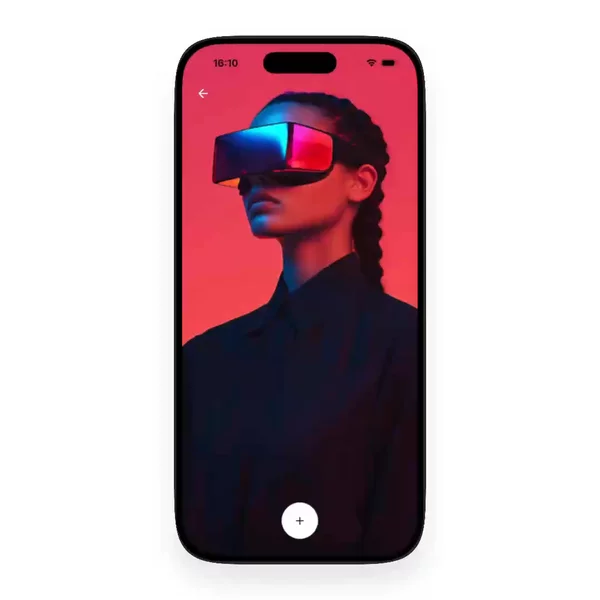

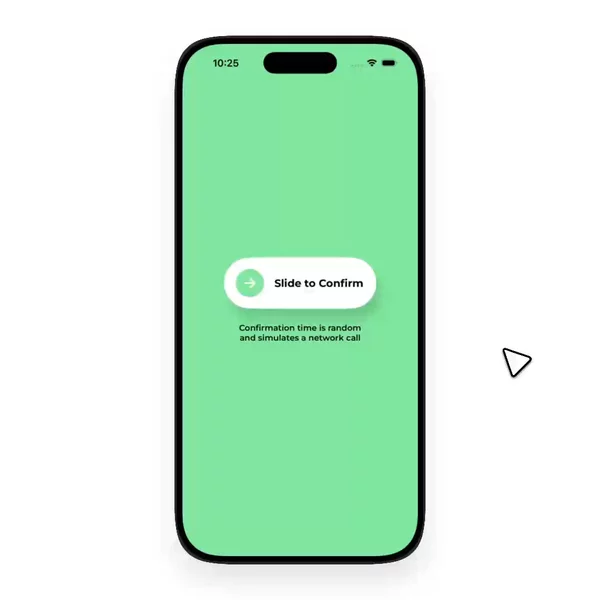
1. A button and a FAB answer the same question
Both answer "what can I do right now." A React Native button sits in the flow — primary, secondary, destructive. A FAB floats above it when the main next step should stay visible while the list scrolls.
I used to file them apart because one is a rectangle and the other is a circle. Once you watch enough previews side by side, the shared problem is obvious: hit target, pressed state, disabled state, and whether the label still reads when the theme flips. The chrome is different. The press job is not.
Pressable is the usual primitive. The catalog previews show how the affordance actually feels when a thumb hits it.
2. Swipeable row is an action that lives in the row
A swipeable row hides delete, archive, or pin behind a gesture. It is still an action. It just refuses to spend a permanent button on every line.
People search "list" or "gesture" when they mean this. Keeping swipeable-row next to button and fab is honesty about the job: a press target that arrives through motion instead of a static label. Different trigger. Same family.
3. Toolbar and button-group are cousins, not twins
A toolbar is a strip of actions that outlive one cell — edit, share, filter chips that flip the whole screen. A button-group packs related choices into one cluster so the primary action does not get lonely at the edge.
They look related. They are not synonyms. You reach for a toolbar when the actions belong to the screen. You reach for a button-group when the choices belong to each other. Keeping them under Actions stops both from drifting into Layout as "just chrome."
4. Confirm and toggle are still press targets
Slide-hold-to-confirm makes a dangerous action earn the press — slide or hold before the money moves. Theme-toggle is a quieter press that still changes the whole surface. Sort-filter is the press that rewrites the list without opening a new route.
None of those are inputs in the form sense. They are decisions. That is why they sit with buttons and FABs instead of next to text fields.
5. Scattering them breaks the shelf
I tried keeping button in one corner and FAB somewhere else. Search got worse. You remember a floating plus that survived the keyboard, or a row that revealed delete on swipe. You do not remember whether the author tagged it button, fab, or toolbar.
So I group them. Button, button-group, fab, slide-hold-to-confirm, sort-filter, swipeable-row, theme-toggle, toolbar — one pile of React Native actions. Role first. Noun second. When the ticket only says "add the button," I want every honest press target in one place.
Finding the right press is still the hard part
You already know you need something to tap. The second problem is remembering which preview had the FAB that did not fight the tab bar, or the swipeable row that did not steal the scroll.
You remember the motion. You do not remember the package name. Video helps the memory. One group helps the search. That is the whole reason this press-target family sits together instead of as a scatter of lonely facets.
This is the shelf
Everything I keep for that job lives in the Actions group. New buttons, FABs, swipeable rows, toolbars, and friends land there whenever I find them.