4 min
Cards, from product tiles to profile and feed
Building the card was never the hard part. Finding a product tile, a profile tile, or a feed tile someone had already shipped was.
People ping me for a card component. They expect it to be hard. It is not. A React Native card is a view, some type, and sometimes a photo, and you can put it together in an afternoon. What is actually worth having is a good overview of what people are building, and which references already exist. They ship those cards as shop tiles, profile headers, feed posts, and small stat blocks.

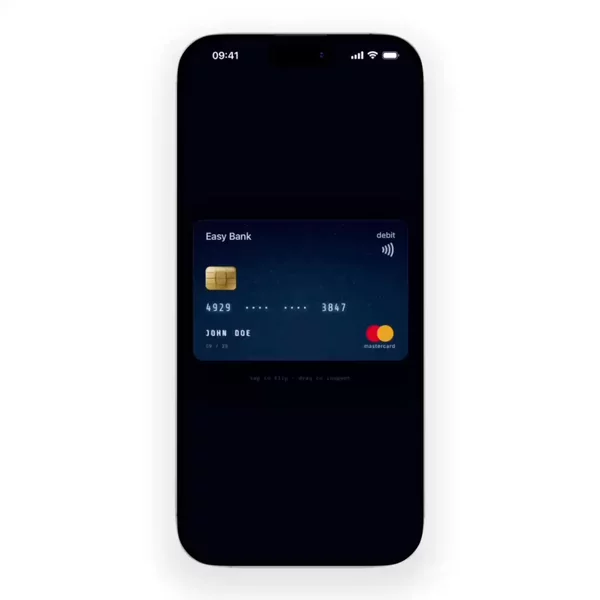

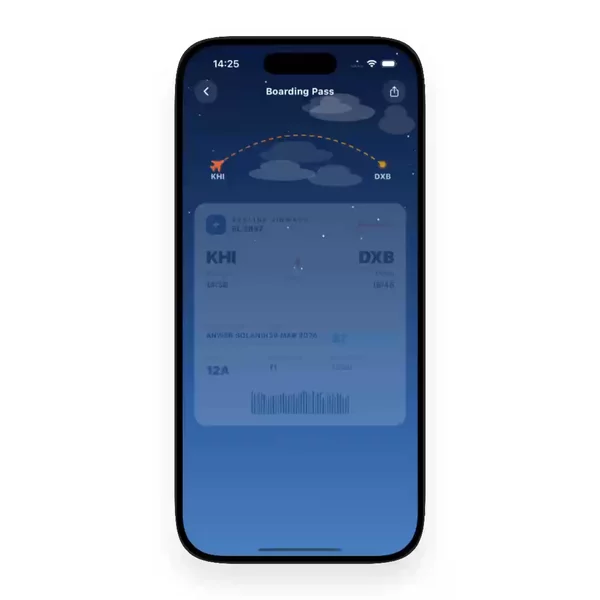

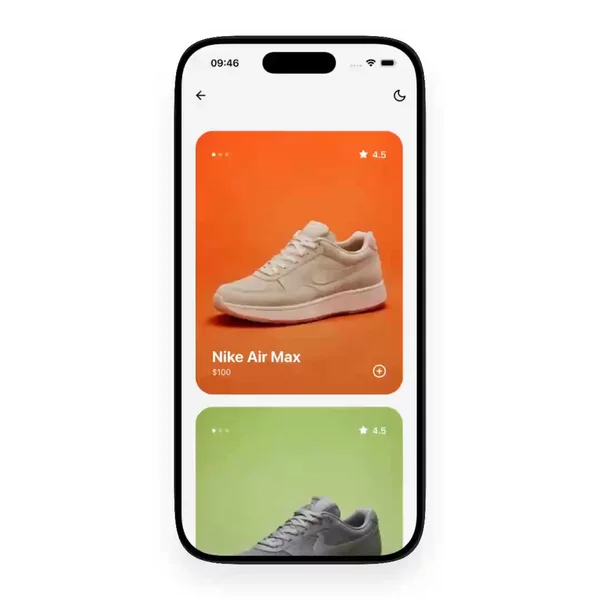

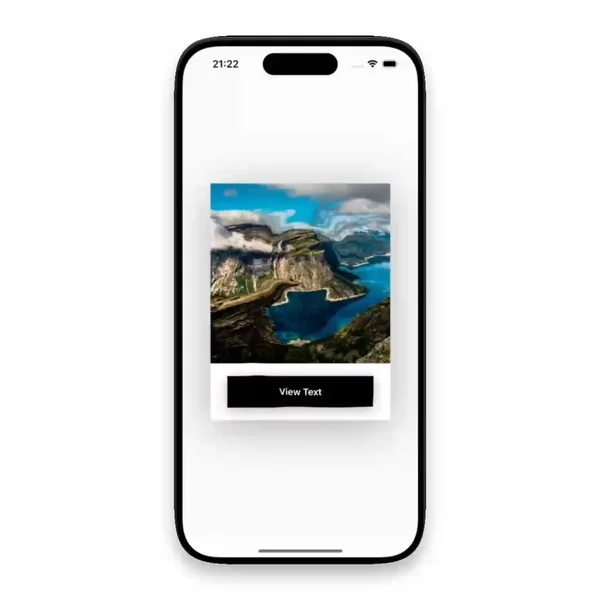
The composition stays short
Core React Native has no Card. You build the surface. A Pressable or a plain View, some padding, a corner radius, an Image, a title, a second line. That is a product card when the photo sits over a price. It is a profile card when an avatar sits beside a name. Same pieces, different job.
A design kit's Card is that tree with the padding and the pressed look already chosen. The tradeoff is inheritance. The tile matches the kit, until the screen wants its own crop or a quieter press. Hand-rolling flips it. The tile matches the screen, and you own the small mistakes: a photo that ignores the radius, or a press that never shows itself.
There is no deep primitive under the name. The references are what I come back to.
What people are actually building
A product card is a decision you can see. Photo, name, price, sometimes a small mark for a sale or for stock. The thumb opens the item. References that hold up pick one media box and crop into it. The ones that fight you let every image pick a new height, so the list shifts as photos arrive.
A profile card is a person, compressed. Avatar, name, one meta line, sometimes a follow control. It should introduce someone and stop. Three numbers, a bio, and a button row turn the border into a screen. A good one leaves the rest behind the tap.
A feed card is a post with edges. Author row, body, media, and a few actions on one surface. Opening the post and tapping the heart are different presses sitting on top of each other. The good ones give the row one primary press and draw the actions as their own targets. Otherwise the rectangle and the icon fight over the tap.
Stat blocks, pricing blocks, and settings rows sit in the same family. One unit of content, one boundary, usually one next screen. I think of them together. A shape is often all you remember.
Carousel, chart, timeline, avatar, and badge are Data Display too. A carousel pages, a chart plots, a timeline orders events, an avatar is a face, and a badge is a mark. A card is the still rectangle beside them. They are neighbors, not the subject.
The list is where it gets heavy
One card on its own is nothing. A screen full of them is a list. FlatList recycles those rows, and the card is the renderItem. A ScrollView of the same tiles is fine for a short group. It gets costly once off-screen photos stay mounted, because nothing leaves the tree. Recycling is smoother when row heights stay honest. Measure a new height per photo and the list jumps.
The repeated row is the only place this turns into real work. Not the radius, and not the two lines of type. Even then the hard object is the list. The card is the easy piece you repeat.
The overview is the actual ask
You can already stack a view. You went looking because a product tile cropped cleanly, or a feed post kept its actions off the row, and the repo name is gone. The layout stuck. The source did not.
Search react native card and you mostly get kit docs and still pictures. I would rather look across references people have already built and keep the ones that still read well on a phone. That overview is why I bother with the noun.
The shelf is that overview
What I have gathered for this lives in the Card filter. New references land there whenever I find them.