3 min
Carousels, from onboarding to product shelves
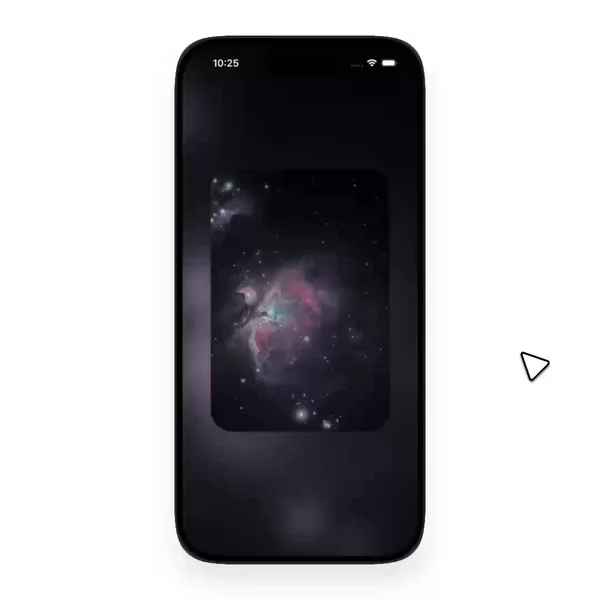
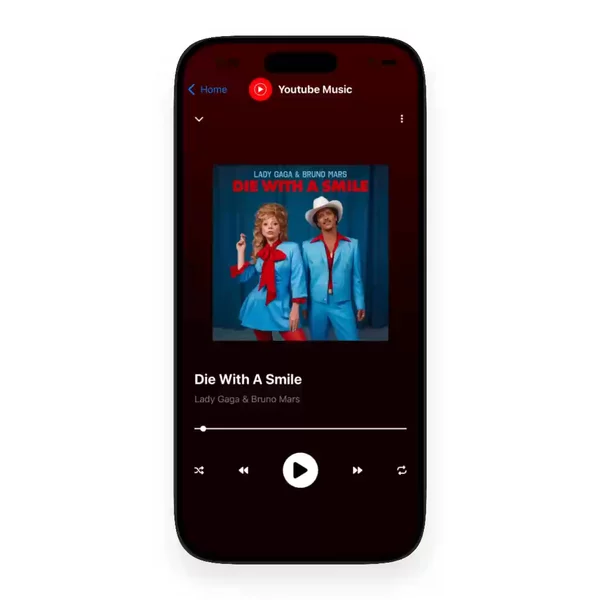
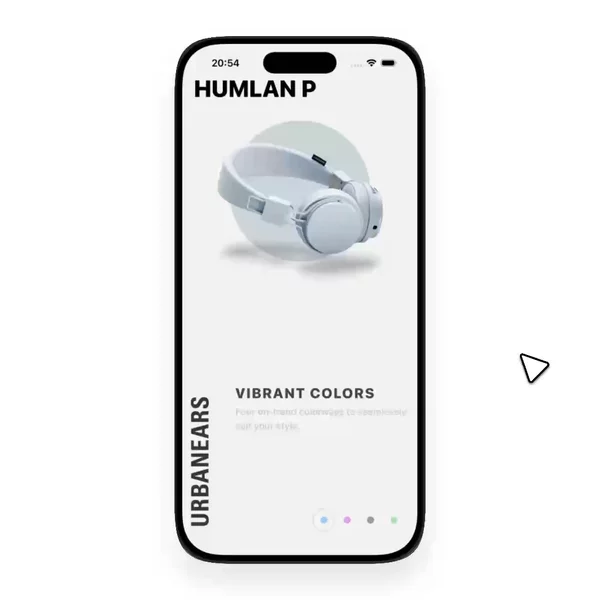
Some carousels are onboarding pages. Some are a product shelf with the next card already peeking. I do not treat those as the same motion.
People type react native carousel when they want cards that move sideways and land on a page. Onboarding screens, shop shelves, and image viewers all ask for that motion. I keep the carousels that settle cleanly under Data Display for that reason.





A free ScrollView is the wrong first try
The first version almost everyone writes is a horizontal ScrollView. It moves. It does not settle. Without a page size, the finger lifts wherever it lifts, and the card hangs between two positions.
pagingEnabled on that scroll view is the next step. Each flick advances by the viewport width. That is enough for a full-bleed onboarding page. It is not enough when the next card should peek, or when the page width is not the screen width.
FlatList with horizontal and snapToInterval / snapToOffsets is the other built-in path. You own the item width and the snap points. The list recycles. The snap math is yours to get wrong once, usually by forgetting content insets or the gap between cards.
Peek cards and full-bleed pages are different jobs
A product gallery that shows a sliver of the next item is not the same component as a full-screen story pager. One wants snapToInterval tuned to card width plus gap. The other wants page-sized items and a page indicator. Mixing them is how you get a carousel that feels soft on one screen and sticky on another.
Onboarding, shop shelves, and image viewers all ask for sideways paging. The feel diverges: loop or finite, dots or none, free drag or page locks. Naming those jobs separately is what keeps the patterns useful when you search later.
The snap has to feel native
The snap is what makes the motion feel finished. On release, the nearest page should own the motion, including the little overshoot fingers expect from the system.
That is why libraries such as react-native-reanimated-carousel exist. They run the gesture and the settle on the UI thread with Reanimated and Gesture Handler, so the card tracks the finger and lands without a layout jump. Built-in paging is still right for many full-bleed screens. Reach for a dedicated carousel when peek layout, looping, or custom page interpolation is the point.
Finding the motion is half the build
Knowing the APIs is not the hard part. Remembering which demo had the snap you liked three months ago is. Screenshots do not show the settle. You need to see the page catch.
I review React Native UI examples for that motion and keep the ones with a real snap on one shelf. Data Display is where carousel sits beside card, chart, and timeline — surfaces you show, not controls you press.
The shelf is already sorted
Everything I have found so far lives in the Carousel filter. New ones land there whenever I find them.