3 min
Charts in React Native split into SVG paths and Skia canvases
A lot of what I file under chart is not a chart screen. It is a stock list, a habit tracker, a header with a price line, because a chart almost never ships alone.
You have the data. A week of spending, a price over one day, a streak of habits. The design wants a line that draws itself in, bars that rise when the screen opens, and a dot that follows your thumb along the curve. A static chart is an afternoon. The moment it moves, you are choosing a renderer.

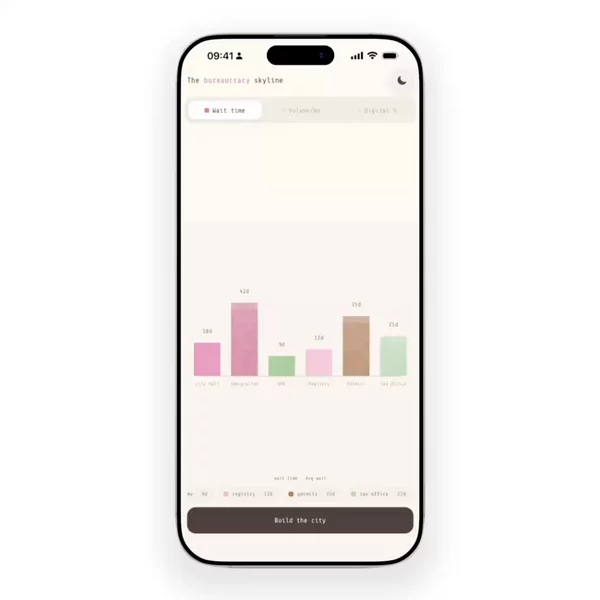

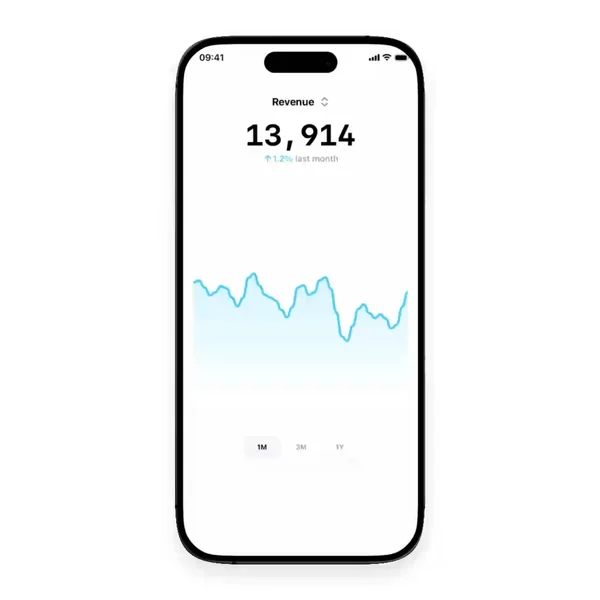

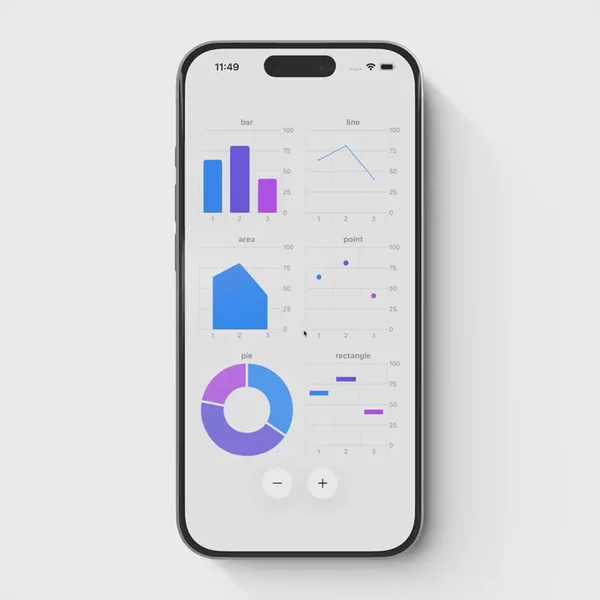

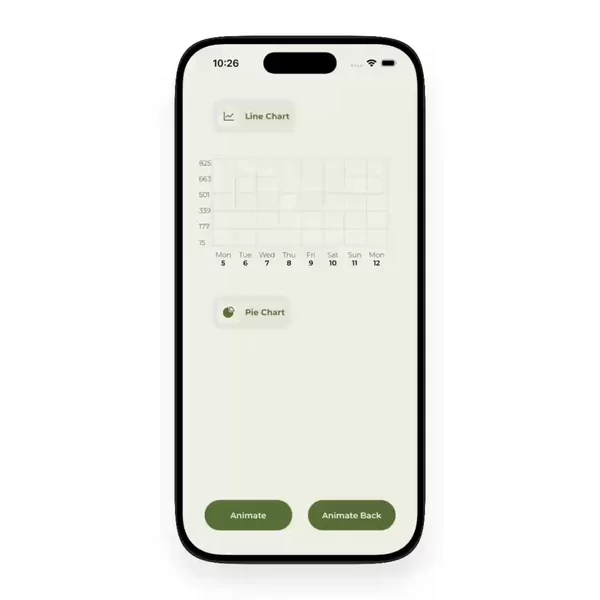
A React Native chart is a path before it is a component
Every chart library does the same first step. It turns numbers into geometry: a path for the line, rectangles for the bars, arcs for the pie. Scales, ticks, and curve smoothing are math, and that part is mostly solved.
The fork is where that geometry gets drawn. Either each shape becomes an element in the React tree through react-native-svg, or the whole chart is painted on one canvas with React Native Skia. Both work on iOS and Android. They stop feeling the same once the chart has to animate every frame.
SVG charts are elements you can reason about
With react-native-svg, a bar is a Rect and a line is a Path. You can style one bar, wrap it in a press handler, and read the chart like any other component. react-native-gifted-charts covers bar, line, area, pie, donut, and candlestick charts this way. react-native-wagmi-charts pairs react-native-svg with Reanimated and Gesture Handler for line and candlestick charts with a crosshair.
The tradeoff is the per-frame cost. Animating a line means animating the d string of a Path, usually through useAnimatedProps, and a chart with hundreds of points rebuilds a long string on every change. A bar chart that rises once on mount never notices. A line you scrub at full speed sometimes does.
Skia charts draw on one canvas
React Native Skia paints the chart as pixels on a single canvas, and Reanimated shared values can drive Skia props directly. A scrub cursor can move with the finger without React re-rendering anything. Victory Native is built on exactly that stack: D3 for the math, Skia for drawing, Reanimated and Gesture Handler for press and drag.
The tradeoff is that a canvas is one thing. Axis labels need a font loaded into Skia instead of a Text. VoiceOver sees one canvas, not twelve bars, unless you describe the data yourself.
The interaction makes the choice, not the chart type
Pick by what the finger does. A chart people only look at is fine in SVG, and it stays easier to style and to make accessible. A chart people drag across, with a dot, a tooltip, and a number that ticks along with the thumb, is where Skia earns its setup.
Reviewing chart blocks taught me something else. A lot of them are not chart screens at all. They are a stock list, a habit tracker home screen, a collapsing header with a price line, a leaderboard. The chart sits inside a row or a header, often next to a scroll view that is also moving. That context, not the chart alone, is what you are really choosing a renderer for.
The hard part is not knowing these libraries exist. It is seeing how the scrub feels before you commit to one.
Pick the renderer after you watch it move
Bars that rise, candlesticks, pies, and lines you can drag a finger along all sit in the Chart filter. New ones land there whenever I find them.