3 min
Chat UI for ChatGPT, Claude, Gemini, and Grok
Lately people ask me for a chat app and attach a name: ChatGPT, Claude, Gemini, or Grok. Under it is a composer and a thinking orb.
People keep asking for a chat app. ChatGPT. Claude. Gemini. Grok. Same screenshot, different logo. I tag every chat I find.
ChatGPT's composer with camera preview
Chat message input and markdown streaming
Glowy input
Voice app with GPT-Live 1

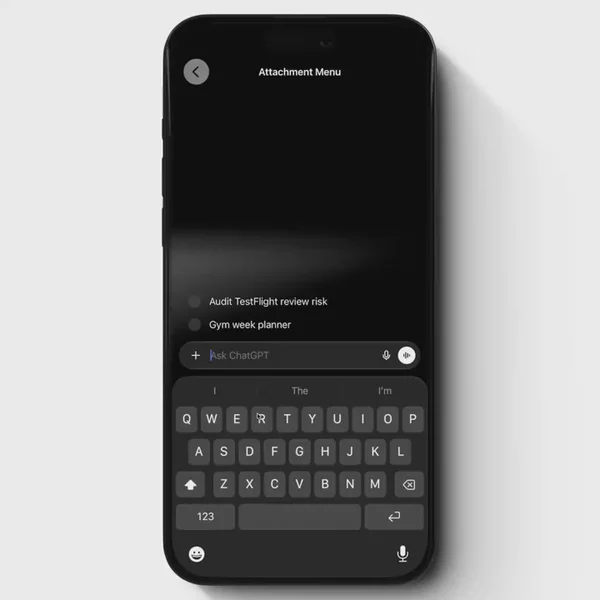

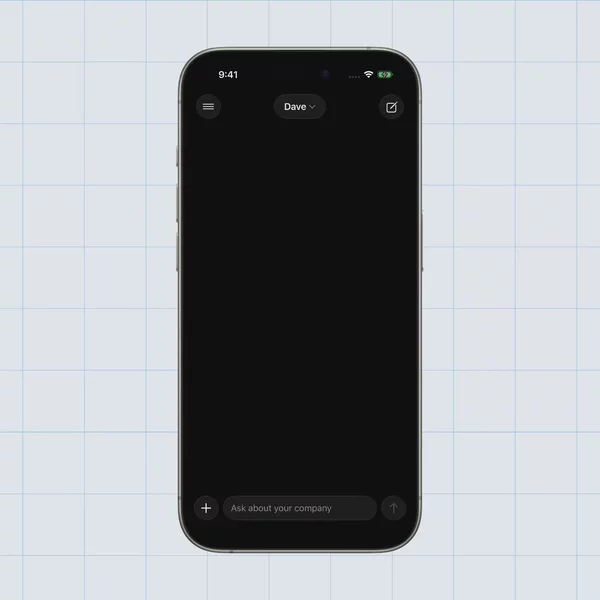

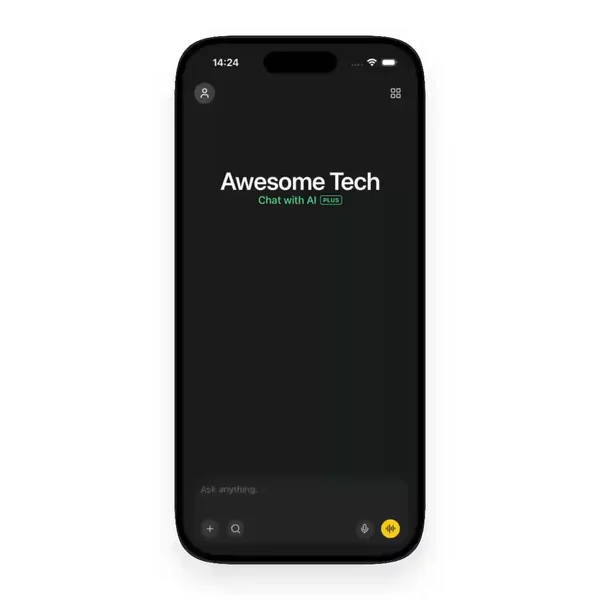

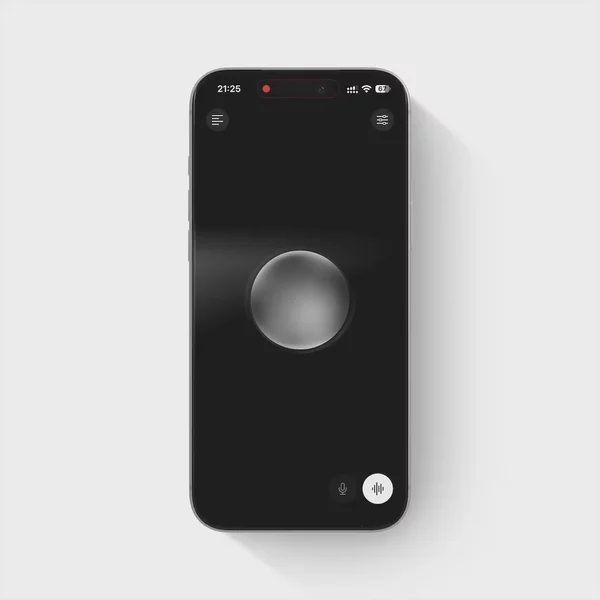
React Native chat is the ask of the moment
Not a chatbot API. The product on the phone. A composer at the bottom. A thread that grows. A drawer of old chats. A thinking orb when the model is busy. That request does not cool off.
I already wrote about the ChatGPT look. This is the wider shelf. The Chat filter. Where those surfaces live when the brand is not the point. You are not shipping OpenAI or Anthropic. You are shipping a React Native chat app that has to feel like the ones people already use.
ChatGPT, Claude, Gemini, and Grok share a stack
You can tell them apart by color. You cannot tell them apart by the jobs on screen.
Each one needs a chat composer that rides the keyboard. Message bubbles that grow when markdown lands. A drawer or sidebar for history. Attachment flows for camera and files. Voice mode with a glowing orb. Entry and shimmer while tokens stream.
Different models. Same React Native chat problem. If you start with a bubble radius and skip the drawer, it still reads as a demo. If you skip the orb, voice mode feels bolted on. The keyboard fight is the same on every brand. The streaming row is the same. The history drawer is the same.
What I put under Chat
I do not dump every input into this pile. A login field stays under forms. A generic list stays under lists. Chat input as a lonely bar can live under Inputs and Forms when that is all you need.
Under Chat I keep the pieces that make a chat app feel like a chat app. Chat composers with plus, photos, files, and send. Conversation layouts with assistant and user rows. Drawers you pull and rows you swipe away. Attachment sheets sitting over the keys. Keyboard-aware markdown threads. Shimmer and entering motion on the last assistant row. Thinking orbs and voice surfaces that are their own screen, not a spinner glued into a bubble.
That is the cut. Role first. Brand second. Animations that belong to chat live here too, next to the components, because the person asking for a chat app does not open a second taxonomy.
Finding one is still the hard part
You already know you need a composer. The second problem is remembering which preview had the drawer that felt right, or the orb that moved like the one in Gemini. You remember the motion. You do not remember the package.
Video fixes the memory. A facet fixes the search. The Chat filter is that search without writing a sentence.
This is the shelf
If you are building a React Native chat app, start in the Chat filter. New ones land there whenever I find them.