3 min
Components, grouped by the job on screen
Shipping a component library did not put every component in reach. Other people's work was scattered, grouped by repo instead of by the job on screen.
I used to keep one set in order. Every prop. Every state. Every slot. Then I started collecting components from the rest of the React Native UI world. One library was never going to hold all of them.

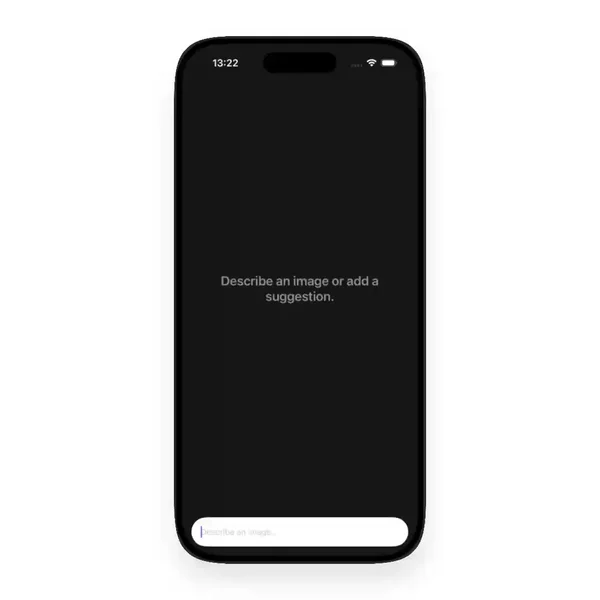

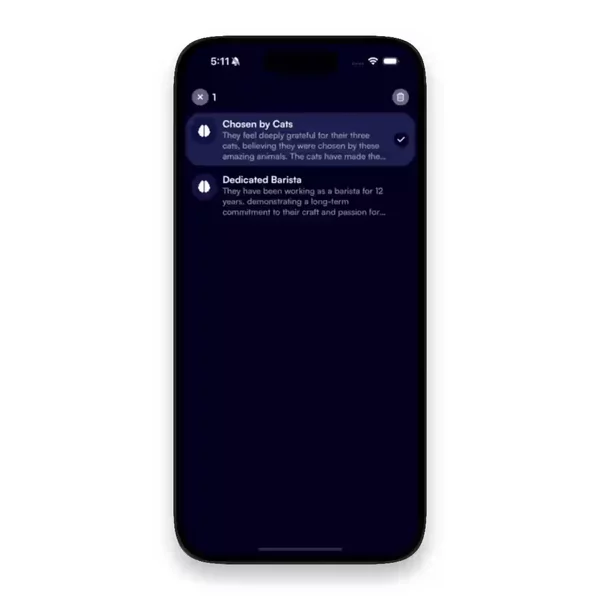

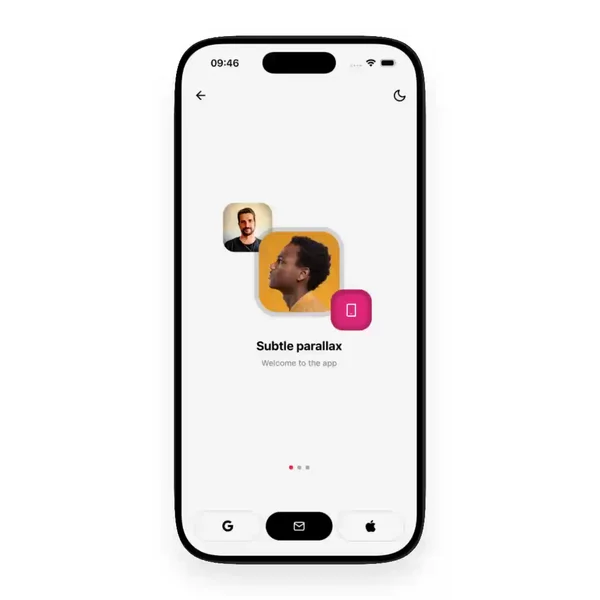

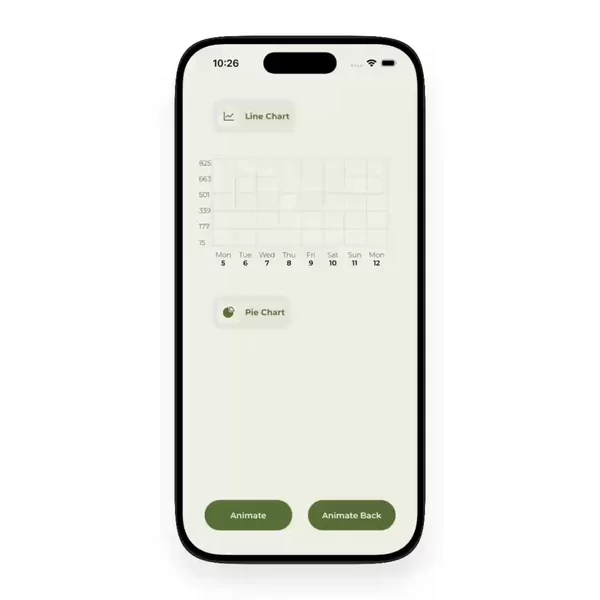
A library is a garden. The ecosystem is a forest.
I am the author of HeroUI Native. A React Native UI library. You decide what a button is. What a text input is. What belongs in the kit and what does not. If you do not name the roles, the set turns into a junk drawer.
I got good at that job. Then I got tired of looking at only my own drawer.
You remember a bottom sheet from a tweet in March. A tab bar that felt native. A date picker from a kit you do not want to buy twice. You remember the motion, not the package. There is nothing to type into npm for "the one that felt right".
React Native components do not share one home
The React Native docs give you primitives. Pressable. Modal. TextInput. A library gives you a designed set. A kit gives you screens. None of that is a map of what people are actually shipping.
I wanted one source. Not another library. A place to put the pieces I find, and to cut them the way I already cut a kit.
So I group them by role. Actions. Inputs and forms. Navigation. Overlays. The same instinct, applied to the whole pile. A button sits with a FAB. A modal sits with a bottom sheet. Keyboard sits with layout, because that is the pain it actually is.
That is the same fight I had inside a library. You can sort by name. You can sort by package. Neither one helps when you are looking for a thing that behaves a certain way. Role is the cut that matches how you actually build a screen.
A login is an input, a button, a keyboard, maybe a toast. Those pieces do not live next to each other in an alphabet. They do live next to each other in the work. If I dumped every term in one list, you would scroll past the one you needed. Grouping is the care. The terms under each group are the finer cut.
Facets sit on top. Component. Animation. Package. Author. You click the noun. You do not describe the thing in a sentence.
Finding one is a different job from building one
You already know you need a picker. The second problem is remembering where the good one lived. Video previews fix the memory. A facet fixes the search.
I do not write the screen for you. Some of what I collect is a video of the motion, not code you can paste. Paid kits stay that way.
If you are looking for React Native components, they live in the Components filter. New ones land there whenever I find them.