3 min
Status UI, from spinners to toasts and skeletons
A tap needs an answer. I look at the spinner, the progress ring, the skeleton, the toast, the banner, the tooltip, and the rating, because each one answers it differently.
You tap Pay, and for half a second nothing on the screen changes. So you tap again. The order goes through twice, and all the screen was missing was a sign that it heard you. That half second between a tap and an answer is where every piece of feedback UI in a React Native app does its job: the spinner, the bar that fills, the gray block standing in for a card, the toast that says Saved.

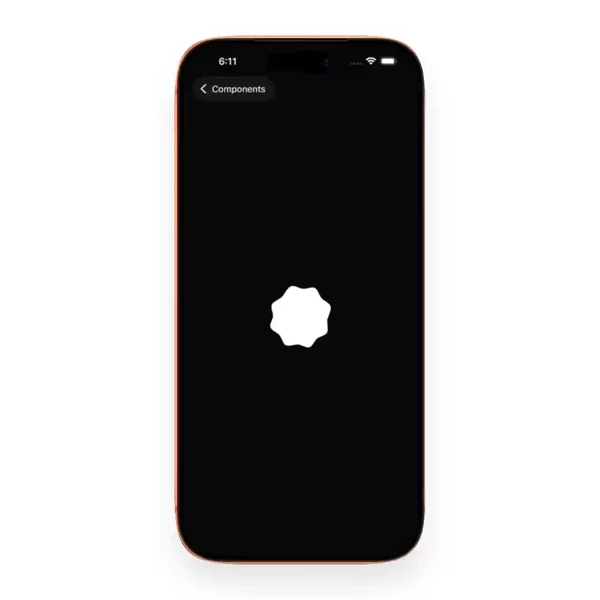

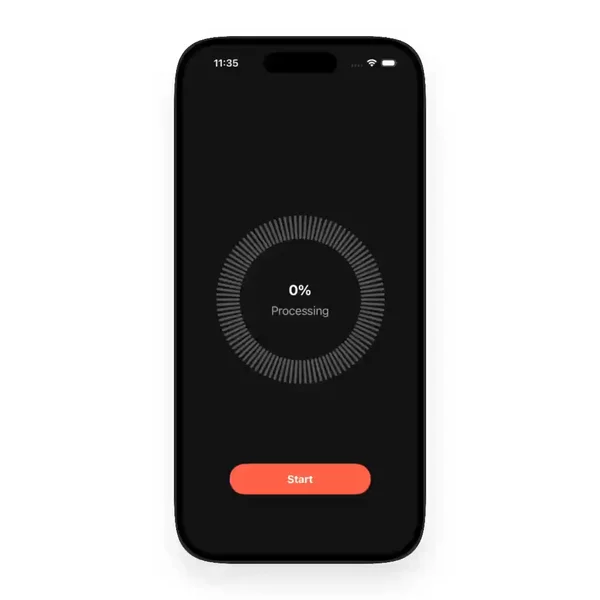

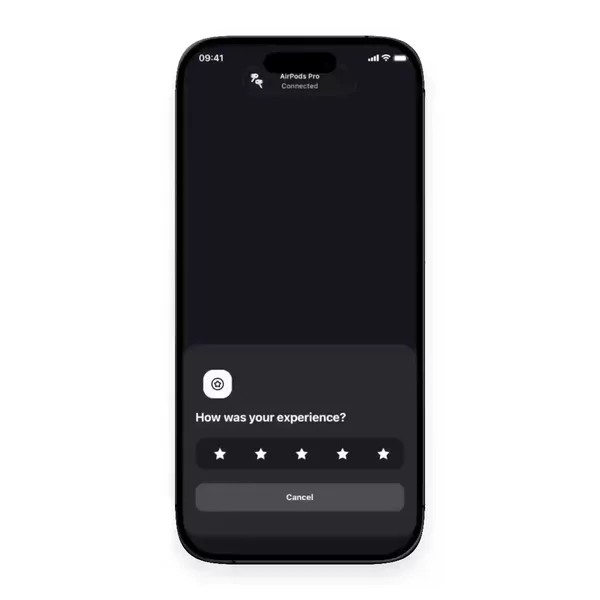

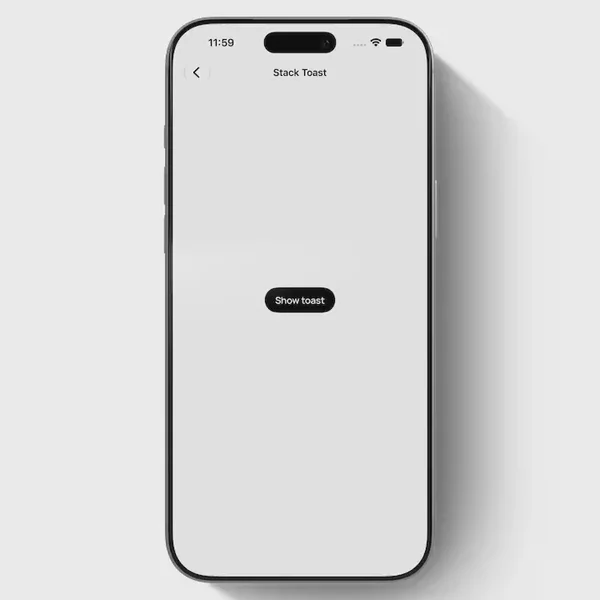
Feedback and status are grouped by the question, not the look
A progress ring looks like a chart. A tooltip floats like an overlay. A star rating could pass for an input. I still keep them on one shelf with activity indicators, progress bars, skeletons, toasts, and alert banners, because they all answer the same thing for the user: did that work, and how long until it does? Sorting React Native feedback components by that question is what makes the group useful when a screen feels broken but technically is not.
Here is what I keep noticing while reviewing them.
1. The spinner is the default, and often the wrong one
ActivityIndicator ships in React Native core, so it lands on every screen first. It is indeterminate by design. It says something is happening, never how much is left. Core has no progress bar at all; ProgressViewIOS and ProgressBarAndroid were moved out into community packages. So the moment you actually know the upload is 40% done, you are building a bar or a ring yourself, and for anything longer than a couple of seconds that is usually the better answer.
2. Rings are drawn, so they are really animation work
A React Native progress bar can be a View whose width animates. A ring cannot. It is a stroked circle whose visible length changes, which means react-native-svg with an animated strokeDashoffset, or a React Native Skia Path whose end prop runs from 0 to 1. Either way the value usually comes from Reanimated, so the ring keeps moving on the UI thread while JavaScript is busy with the very request it is reporting on.
3. A skeleton loader is a promise about the layout
The gray shapes only work when they match the content that replaces them. If the placeholder card is shorter than the real one, the list jumps the moment data lands, and the user loses their place. The shimmer is the part everyone notices. The matching sizes are the part that matters.
4. Toasts and banners differ by how long they stay
A toast leaves on its own, so it should carry news that is safe to miss: Saved, Copied, Sent. An alert banner stays until the problem is gone, like being offline or a card that was declined. Both are easy to get wrong for screen reader users, because a view that appears without focus is not read aloud on its own. AccessibilityInfo.announceForAccessibility says it anyway on both platforms, and accessibilityLiveRegion covers the Android-only case of a view that updates in place.
5. Tooltips and ratings report state too
A tooltip is the answer to "what does this do?" pinned to the control that raised the question, which is why it needs the target's position from measureInWindow rather than a fixed spot on screen. A rating is a score shown back to the user. Neither one is an action, and both tell you where things stand.
Every "did that work?" answer has one shelf
Activity indicators, progress rings, skeletons, toasts, tooltips, and ratings all sit together in the Feedback & Status group of the components filter. When a screen feels slow or silent, that is the shelf I open first.