3 min
Gesture-driven animation, pulled apart one swipe at a time
I take one swipe-to-dismiss card apart into the finger, the value, the mapping, and the release, the four layers every gesture block shares.
A swipe-to-dismiss card looks like one animation. It's actually four small systems handing a number to each other, and once you see the seams, every drag, pinch, and pan on the Native Bloom shelf starts to read the same way.
I'll take that one card apart, layer by layer.




Layer one: the finger
Everything starts with recognizing what the finger is doing. React Native Gesture Handler does this on the native side, so a pan, a pinch, or a long press gets recognized without waiting on the JavaScript thread. That matters more than it sounds. If recognition hops through JS, the card lags behind the thumb the moment anything else is busy.
The card listens for a pan. It doesn't care about taps, and it shouldn't steal vertical scrolls from the list it lives in. Most of the fiddly work in gesture UI lives here, deciding which gesture wins.
Layer two: the value
The pan reports a translation, and that translation goes straight into a Reanimated shared value. This is the heart of a gesture-driven animation: the finger owns the number while it's down. No timing curve, no duration. The card sits where the finger says, frame by frame, because the update runs on the UI thread.
Layer three: the mapping
One number rarely moves only one thing. As the card slides right, it also tilts a few degrees, fades a little, and maybe reveals a label underneath. All of that comes from interpolating the same translation into rotation, opacity, and scale.
This is where the craft shows. Two blocks with identical gesture code can feel nothing alike because one maps translation to a gentle rotation with clamped edges and the other lets everything scale linearly forever.
Layer four: the release
The finger lifts, and the gesture hands control back to animation. The card now has to decide: snap home or fly off? Good implementations read the velocity, not just the distance, so a short, fast flick dismisses while a slow drag halfway across springs back.
Then a spring or a decay takes over from wherever the finger left the value. That handoff, with no jump and the motion carrying through, is the difference between a gesture that feels physical and one that feels scripted.
The same four layers, everywhere
Once I started reading gesture blocks this way, the variety collapsed. A bottom sheet is a vertical pan, a value, a mapping to height and backdrop opacity, and a snap to the nearest detent. A pinch-to-zoom image is two values, scale and focal point, released into bounds. A swipeable row is the card with buttons behind it.
What changes between them is mostly layers one and four: which gestures are allowed to run together, and what the release decides. That's also where most of my own bugs have come from.
Where to study them
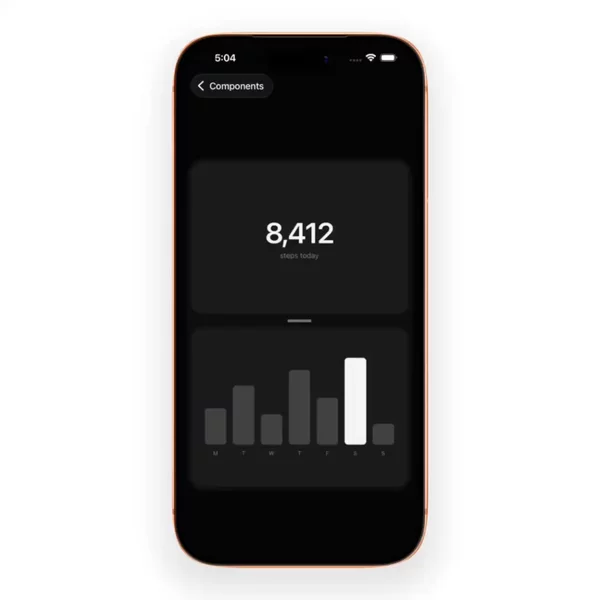
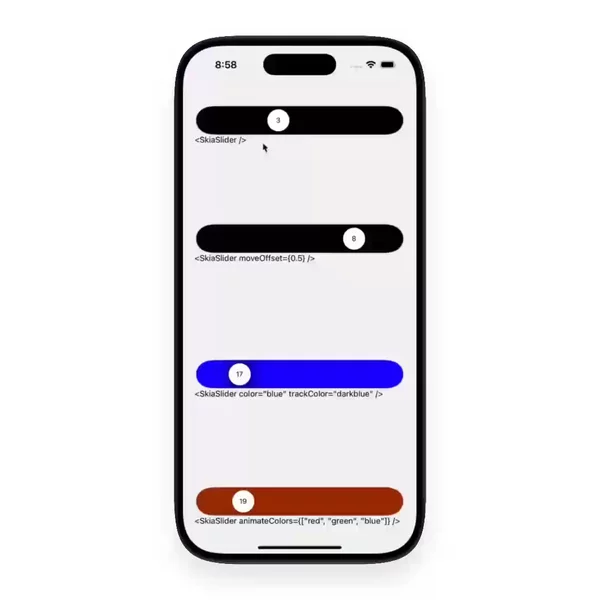
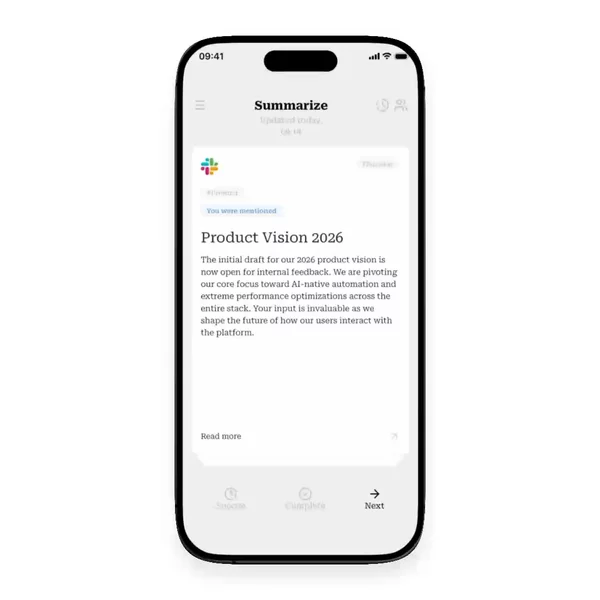
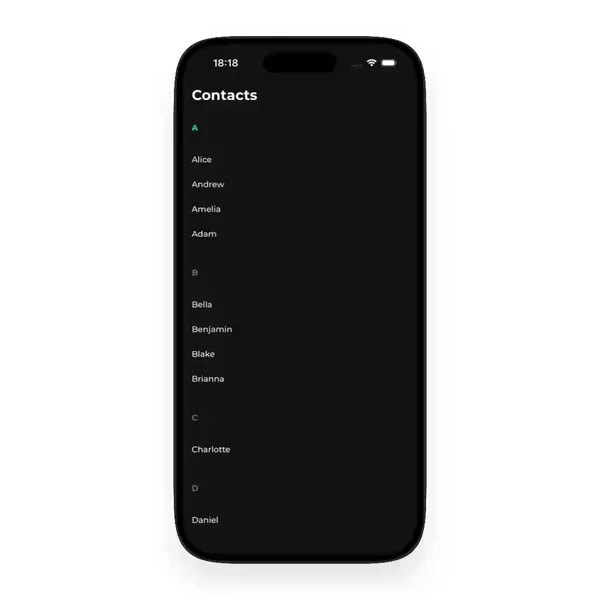
If you want to see the layers in motion rather than read about them, the gesture-driven filter on Native Bloom collects real drag, swipe, pan, and pinch blocks side by side. Pick one, watch the release, and you'll start spotting which layer each author spent their time on.