4 min
Text fields, pickers, OTP, and search
A text field, a picker, an OTP, a toggle, a search box. Same job, one value the user is changing, and I was finding them in different corners of every codebase.
You ship a signup screen and the ticket still says collect email. By Friday it is a text field, a password with the dots on, an OTP row, and a date picker for the birthday. The inputs keep changing chrome while the job stays put: get an honest value from a thumb.
Here are the notes I keep while reviewing that form family.

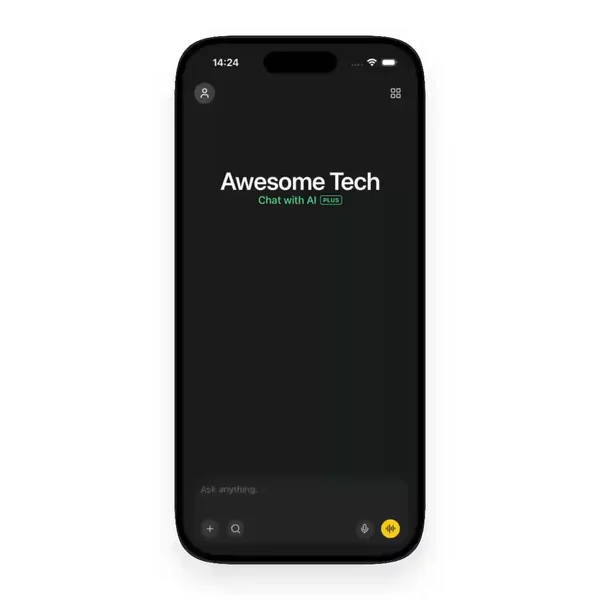

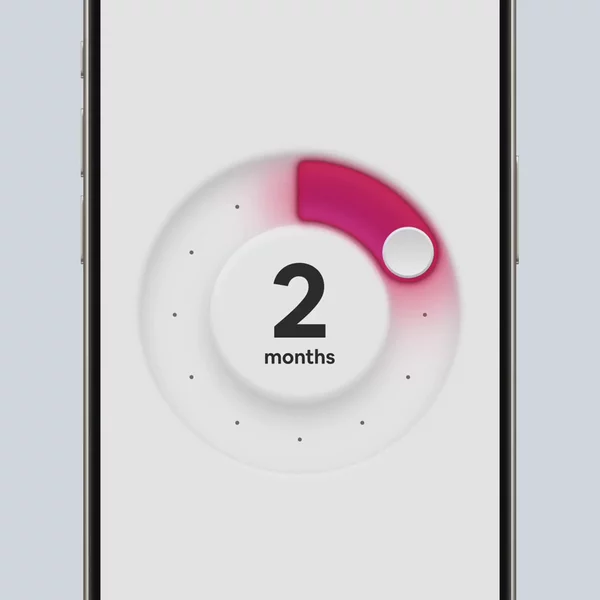

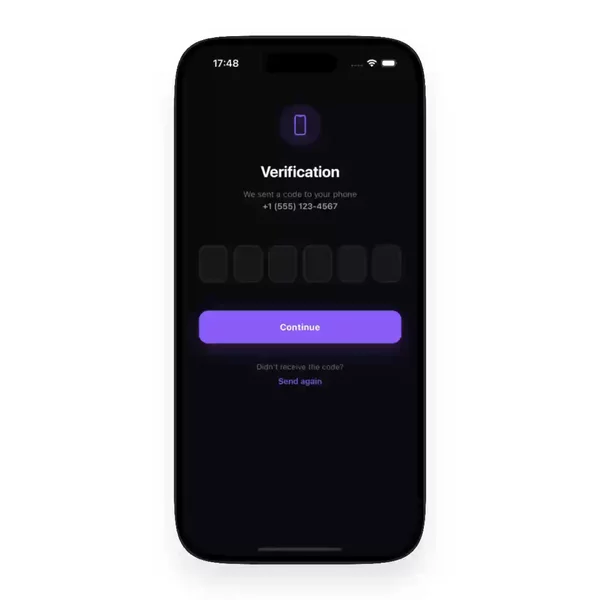

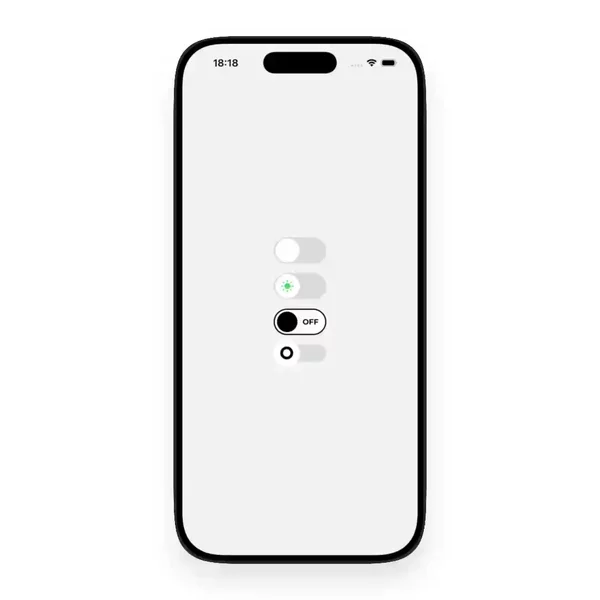
1. A text input and a password input answer the same question
Both answer "what should I type here." A React Native text input sits in the flow — email, name, note. A password-input is the same box with secureTextEntry flipped so the value stays private.
I used to file them apart because one shows glyphs and the other shows dots. Once you watch enough previews side by side, the shared problem is obvious: focus, keyboard type, placeholder contrast, and whether the field still reads when the theme flips. The masking is different. The typing job is not.
TextInput is the usual primitive. The catalog previews show how the field actually feels when a thumb lands on it.
2. OTP and number-pad are still inputs
An otp input splits one code across a few boxes. A number-pad is the keyboard that only wants digits. Neither belongs with buttons. Both collect a value under a tight constraint.
People search "auth" or "keyboard" when they mean this. Keeping otp-input and number-pad next to text-input is honesty about the job: a value that arrives through typing, just with fewer legal characters. Different chrome. Same family.
3. Pickers choose without free typing
A picker, select, combobox, date-time-picker, color-picker, or emoji-picker hands you a finite set and asks you to point. No soft keyboard. Still a form surface.
They look related to overlays when the sheet slides up. They are not overlays in the role sense. You reach for them when the value already exists in a list and free typing would invent typos. Keeping them under Inputs & Forms stops them from drifting into Overlays as "just a sheet."
4. Toggle, slider, stepper, and radio-group skip the keyboard
A toggle is a boolean with a thumb. A slider and a stepper move along a range. A radio-group picks one of a few peers. Switch is the usual boolean primitive.
None of those open a keyboard. They still write into form state. That is why they sit with text fields and pickers instead of next to buttons. A press that changes a value is an input. A press that fires an action is not.
5. Searchbar and tag-input sit on the edge, not outside it
A searchbar looks like navigation chrome until you remember it is still collecting a query string. A tag-input collects many small values in one control. Chat-input is the composer that grows with the message.
I tried keeping searchbar next to tab bars because it lives in a header. Search got worse. You remember the field that filtered the list as you typed. You do not remember whether the author tagged it searchbar, text-input, or chat-input.
So I group them. Chat-input, color-picker, combobox, date-time-picker, draw-pad, emoji-picker, number-pad, otp-input, password-input, picker, radio-group, searchbar, select, slider, stepper, tag-input, text-input, toggle — one pile of React Native inputs and forms. Role first. Noun second. When the ticket only says "add the field," I want every honest value surface in one place.
Finding the right field is still the hard part
You already know you need something to type into or pick from. The second problem is remembering which preview had the OTP that did not fight autofill, or the date-time-picker that did not jump the keyboard.
You remember the motion. You do not remember the package name. Video helps the memory. One group helps the search. That is the whole reason this value family sits together instead of as a scatter of lonely facets.
This is the shelf
Everything I keep for that job lives in the Inputs & Forms group. New text inputs, pickers, OTP fields, toggles, searchbars, and friends land there whenever I find them.