3 min
Keyboard avoidance, focus, and the buried button
My first React Native form lost to the keyboard. I still check avoidance, focus, and whether the button ended up buried.
I still remember it from when I started learning React Native. The keyboard was my headache. I would finish a form, tap an input, and watch it overflow the screen. The button stayed where it was. It was hard. It was hard to make it smooth.

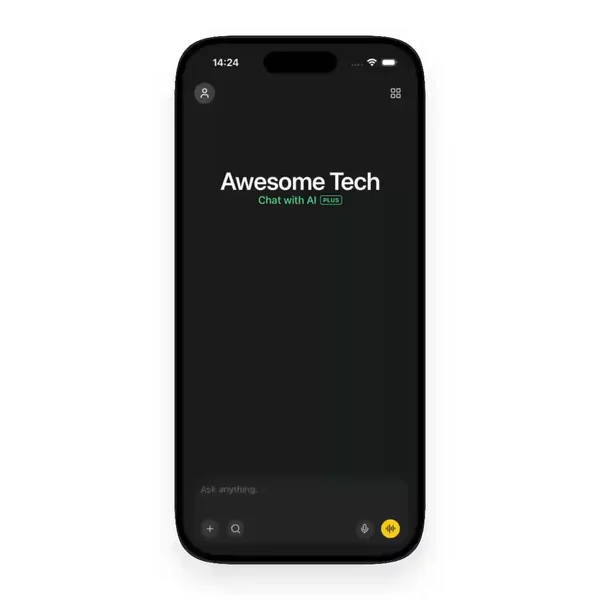

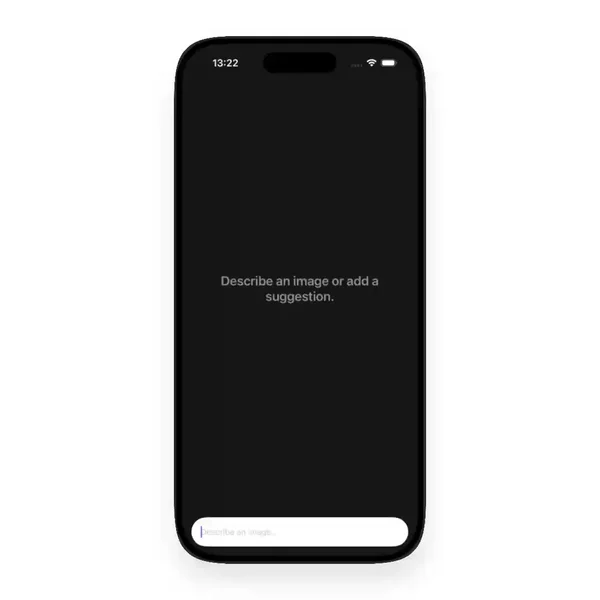
You forget it until the form is real
A TextInput looks finished until it takes focus. Then you find out you never listened for keyboard events and never moved focus. The Keyboard module is not obscure. keyboardDidShow and keyboardDidHide are right there. I still shipped screens that ignored them, because the React Native form looked fine with the keyboard closed.
Focus is not layout. Getting the field on screen and getting it focused fail independently.
The button staying put is a different bug
The failure I hit most was not the input hiding. It was the submit button sitting under the keyboard — on a login, a checkout, a comment field, it did not matter. KeyboardAvoidingView is the first wrap everyone tries. Its behavior prop (padding, height, position) does not mean the same thing on iOS and Android. You pick one, the input clears, and the button does not come with it.
Avoidance moved the field. It did not move the action.
Smooth is not the same as visible
Once the layout clears the keyboard, the motion is still wrong. iOS fires keyboardWillShow before the keyboard animates, so you can match the curve. Android only gives you keyboardDidShow and keyboardDidHide. The event arrives after the keyboard has already moved. The layout jumps.
react-native-keyboard-controller exists because of that gap. It tracks the keyboard per frame and exposes the same animated insets on both platforms. The built-in KeyboardAvoidingView is enough for a lot of screens. It is not enough when a chat composer has to follow the keyboard instead of snapping after it.
That is most of React Native keyboard handling: events, avoidance, and motion, treated as one problem until they are not.
I started collecting the examples I could not find
The other half of the headache was search. I wanted React Native UI examples that showed the keyboard actually moving — the rise, the button coming up, the focus passing to the next field. What I found were screenshots of a TextInput and a paragraph about wrapping the screen. That is not the same as seeing the interaction.
Whenever I find a blog or a demo where the keyboard is handled well, I add it to the catalog. The Keyboard filter is that collection. I use it myself now. It is the reference I did not have.
A filter does not write the screen for you. Some of what I collect is a video of the behavior, not code you can paste. It removes the part where you do not know what good looks like.
Everything keyboard-related I have found so far lives in the Keyboard filter. New ones land there whenever I find them.