4 min
Liquid Glass is iOS, Material is Android
Native got too blunt once Liquid Glass landed. iOS gets the glass, Android gets Material, and a few Skia versions are neither.
A native primitive on iOS 26 is not a native primitive on Android. Liquid Glass and Material are not one pile. Calling both native is true. It is not precise enough to choose from.




Native was the right first filter
I already had a shelf for React Native components powered by native primitives. Expo UI lives there. So do menus, sheets, and system controls that wrap the OS instead of imitating it. That cut is still the right place to start, and it still lives in the Native facet.
It is also too wide once you are actually building. iOS glass and Android Material Design are not interchangeable skins on the same widget. One is a refractive system material that arrived with iOS 26. The other is Google's design system, and it is an Android filter on purpose. Putting them in one pile is how you pick a glass tab bar for a Material screen.
So I added two tags. They are follow-ups, not replacements. Native stays the coarse cut. These two are how you filter it more precisely.
Liquid Glass is the iOS cut
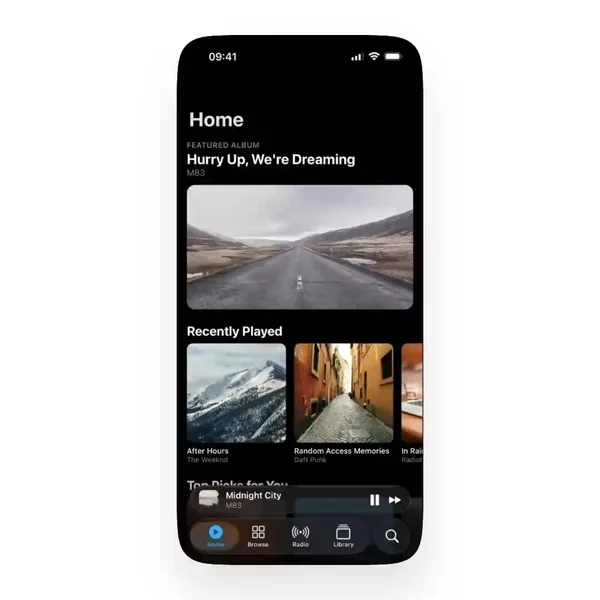
When I say Liquid Glass, I mean components you can use on iOS with that system material — toolbars, tab bars, floating panels, the surfaces that should refract what sits behind them. expo-glass-effect is the straightforward native path: GlassView renders through UIVisualEffectView, and on anything below iOS 26 it falls back to a regular View. That is the OS control. You do not own the refraction.
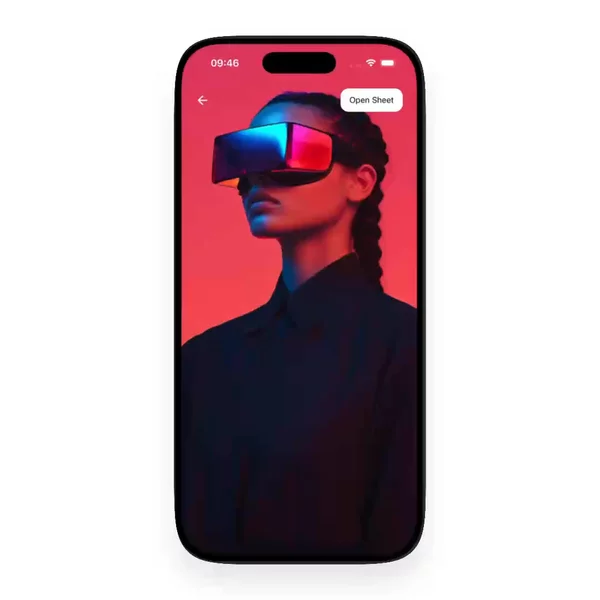
There is a second path inside the same tag. A few implementations draw the glass themselves with React Native Skia — a shader you can tune, on both platforms if you want, with more JavaScript control than Apple will give you. You own the thickness, the distortion, the way it follows a gesture. You also own the fact that it is not the OS material: next year's tab bar will not update it for you, and Reduce Transparency is your problem unless the author wired it. That is the trade. Someone who wants a custom lens, or glass that is not stuck to iOS 26, will still look here.
I tag both. The video is how you tell them apart. If you want the OS glass, watch for the system one. If you want the JS-controlled one, watch for Skia. That is most of React Native Liquid Glass once you stop treating it as one effect. They share the Liquid Glass filter because that is the look you searched for. They do not share a runtime.
Material is the Android cut
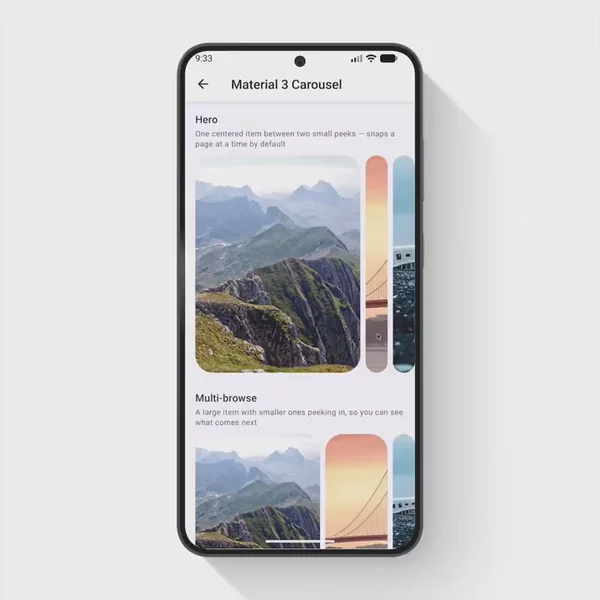
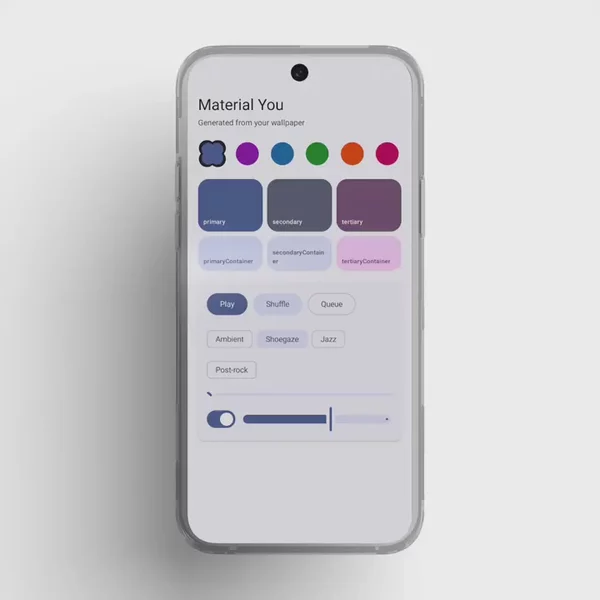
Material is not a style I squint at and guess. I am tagging components that can be used with Material Design on Android — the ripples, the surfaces, the type scale, the sheets that belong on that platform. It is solely an Android filter. If you are building an iOS-first screen, this is the wrong row.
That is the whole point of the split. Native said "this is a primitive." Material says "this primitive belongs in an Android Material app." You do not have to reconstruct that from a README that says "native look and feel" and shows one screenshot.
Everything I have tagged that way is in the Material filter. I add more when I find them.
A tag is still not an integration. Liquid Glass will not make your Android tree into iOS 26. Skia glass will not pick up Reduce Transparency for you. Material will not ship a tab bar that refracts. Start on Native if you do not yet know the platform cut. Then use the finer filter.
If you already know you want glass on iOS, or Material on Android, skip the wide pile and go straight to the row.