4 min
Parallax in React Native is three inputs and one speed ratio
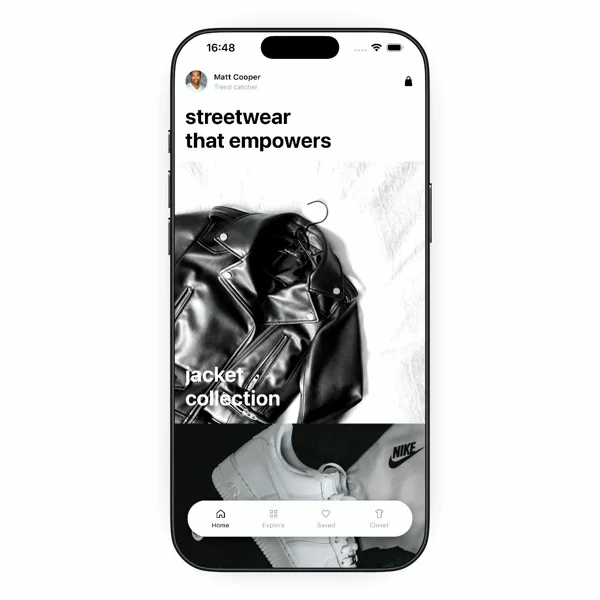
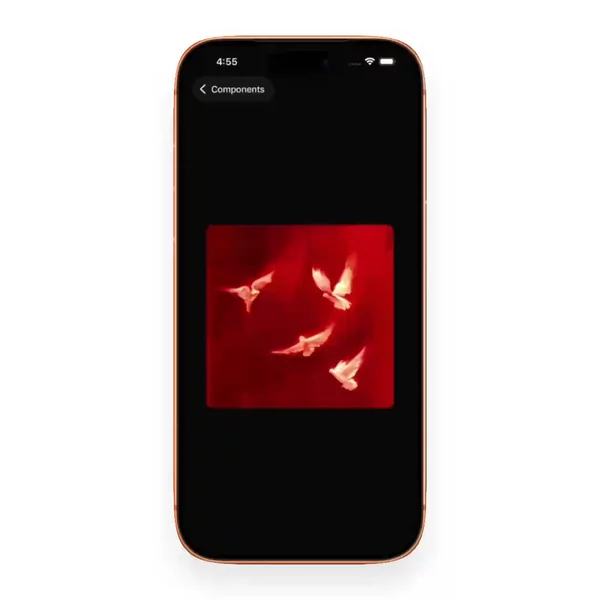
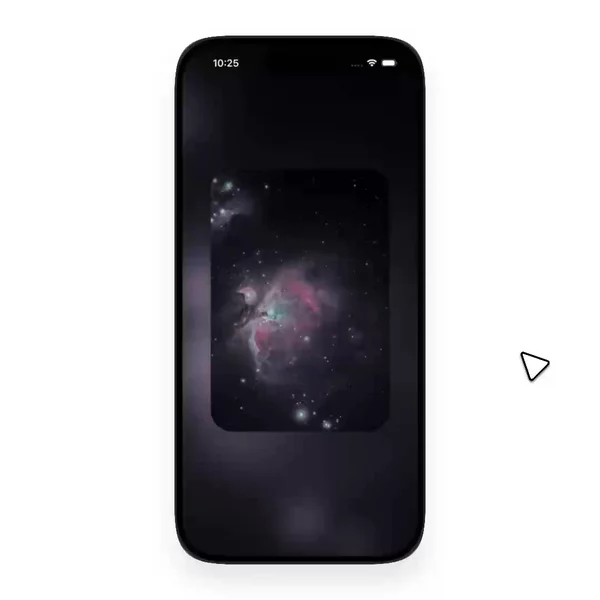
Parallax is one number multiplied per layer. The input can be a scroll offset, a page position, or the tilt of the phone, and the factor decides the depth.
You scroll a travel card and the mountain behind it moves slower than the title on top. Nothing else changed. That gap in speed is all parallax is, and your eye reads it as depth.




The trick is one ratio, applied per layer
React Native parallax starts from a single number that drives everything: a scroll offset, a page position, or a sensor reading. Each layer reads the same number and multiplies it by its own factor. The background gets 0.3. The midground gets 0.6. The foreground gets 1, so it moves with your finger.
const style = useAnimatedStyle(() => ({
  transform: [{ translateY: progress.value * depth }],
}));
That is the whole engine. In Reanimated it runs on the UI thread, so three layers do not cost three trips across to JavaScript. The design work is in the factors. Close values look flat. Far-apart values look like the layers are sliding off each other.
The most common vertical case is a header image that scrolls slower than the content over it. The parallax header component is that layout on its own.
Carousels and pagers move the image inside the frame
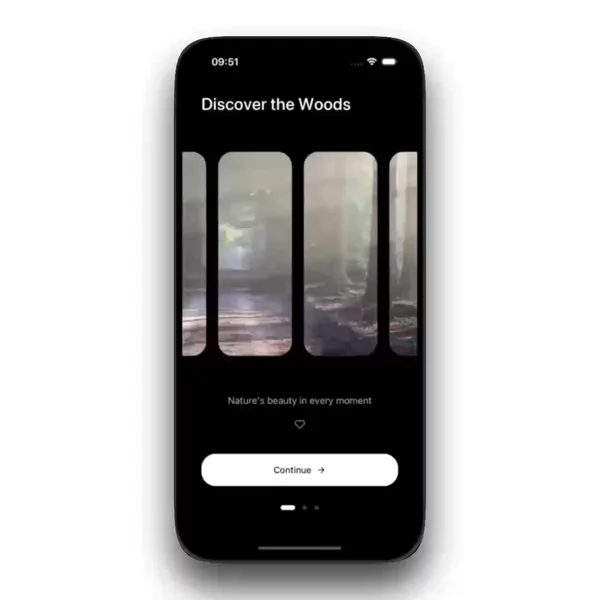
Horizontal parallax works differently from a vertical parallax scroll. The card stays locked to the page. The image inside it moves.
The input is the page position relative to the current index: scrollX / width - index. At 0 the page is centered. At -1 or 1 it is fully off screen. Map that range onto a small translateX on the image, in the opposite direction to the swipe, and the photo looks like it sits behind a window. Make the image wider than its card, or the edge of the picture shows up as the page leaves.
This is the version you see in onboarding pagers and in product carousels. It looks like a single effect. It is two layers per page: the frame, which follows the pager, and the image, which lags behind it.
The onboarding parallax carousel is a good one to watch for that lag: look at the image, not the card.
Tilt parallax swaps the scroll for a sensor
The third input is the phone itself. No scroll at all. Reanimated's useAnimatedSensor hands you a shared value from SensorType.GRAVITY, SensorType.ROTATION, or SensorType.GYROSCOPE, and it updates at the screen refresh rate by default. The gravity vector maps cleanly onto translateX and translateY. Rotation gives you pitch and roll in radians if you want an angle.
The limits are real. The Reanimated docs note that on iOS, sensor data needs Location Services turned on, and isAvailable comes back false when a sensor is missing or permission is denied. Smoothing matters as well, which is why the docs example wraps the reading in withSpring. Raw sensor data is noisy, and an unsmoothed layer jitters every time the phone shifts a little in your hand.
Subtle is the feature, and Reduce Motion is the off switch
Parallax works when the reader barely notices it. A few points of offset on a background reads as depth. Forty reads as a bug, and on a tilt layer it can make some people feel sick.
That is why the Reduce Motion setting matters more here than for most animations. Reanimated's useReducedMotion returns the setting synchronously, but only the value from app launch. It does not re-render when the setting changes. For a live value, React Native's AccessibilityInfo.isReduceMotionEnabled() and the reduceMotionChanged event do the job. When either says yes, set every depth factor to 0 and drop the sensor. The layout stays the same. Only the motion goes.
Pick the ratio by comparing real layers
The numbers that make parallax work are small and easy to get wrong: the depth factor, how much wider the image is than its card, how hard the spring smooths a sensor. Parallax is one of the motion names in the animation patterns post, next to shimmer and stagger; this post is the version with the numbers.
Scroll layers, pager images, and tilt cards sit next to each other under parallax animations, so you can compare how far each one pushes depth before you pick yours.