3 min
A skeleton keeps the layout while data loads
Someone asks for a spinner and the list is empty. I show them a skeleton, so the layout stays where the rows will be.
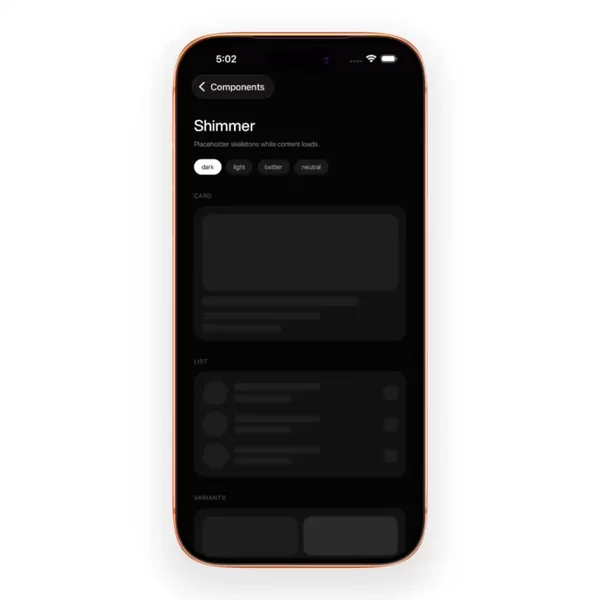
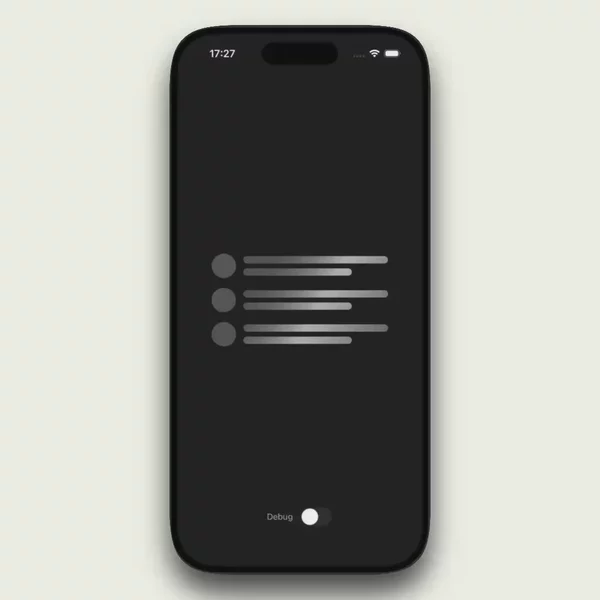
People ask for a spinner when their list is empty. What they usually want is a skeleton. Yes — a React Native skeleton is the polite loading state: the layout stays put, gray bones mark where the real rows will land, and the screen does not jump when the data arrives.


A spinner is not the same job
ActivityIndicator tells you the app is busy. It floats in the middle of nowhere. Fine for a full-screen gate. Wrong for a feed, a profile header, or a chat thread that already has a shape.
A skeleton copies that shape first. Avatar circle. Two text bars. A card outline. Then it waits. When the payload lands, the bones swap for content at the same coordinates. That is why it feels polite. The thumb already knew where to go.
A progress bar and a toast live in the same family — they report status — but they do not reserve layout. Skeleton does. That is the fork people miss when they type "loading" into a search and grab the first spinner they see.
Skeleton loading is a layout promise
The hard part is not the pulse. Anyone can fade opacity with Reanimated, or run a shimmer across a rounded bar. The hard part is matching the final UI closely enough that the swap is invisible.
Miss the heights and the list jumps. Miss the margins and the header slides. Miss the card radius and the eye notices the fake. Good skeletons are boring on purpose. They are measured off the real screen, not invented as a separate design system.
That is also why a react native ui library with a generic "Loading" component often fails here. A shared spinner ignores your row. A skeleton has to know your row — the composer height, the avatar size, the gap under the title.
Libraries like Moti Skeleton lean on bones as first-class layout, with motion as a secondary layer. You can also hand-roll Views and animate them. Either path works. The ones that fail are the ones that animate a pretty rectangle that has nothing to do with the row it claims to preview.
Why I keep it under Feedback & Status
In the catalog sidebar, skeleton sits with activity-indicator, progress-bar, toast, and tooltip. That is not a layout group. It is a status group. Every one of those answers the same user question: what is the app doing right now.
I used to wonder whether skeleton belonged next to list and card. It does not. A list is content. A skeleton is a message about missing content. Tagging it as feedback keeps the shelf honest when someone is hunting for waits, not widgets.
So when people keep asking for the gray bones, I do not point them at a random list demo. I point them at the status shelf, then at the skeleton term on it.
The shelf is the short path
If you are replacing a spinner that makes your feed feel empty, start at the Skeleton filter. That is where I keep dropping the ones that already look like a real screen waiting.