3 min
Tab bars, from the system bar to a custom one
The system tab bar and the custom one barely belong in the same sentence. I collect both, including the ones that stop looking like a tab bar.
Where do you find a React Native tab bar that is not another screenshot of four icons? Devs kept asking. Fair. Almost every app has one. I collect tab bars from the system bar to the crazy custom ones.
Customizable native iOS tab bar
Floating app bar
Android material tabs and colors
Curved liquid-glass tab bar

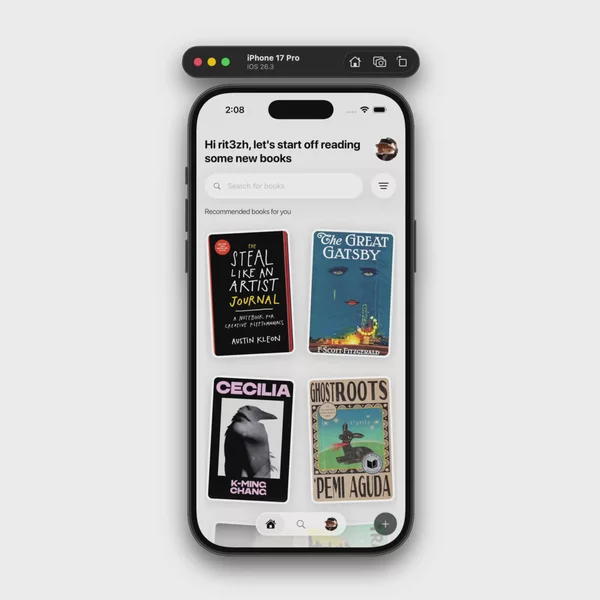

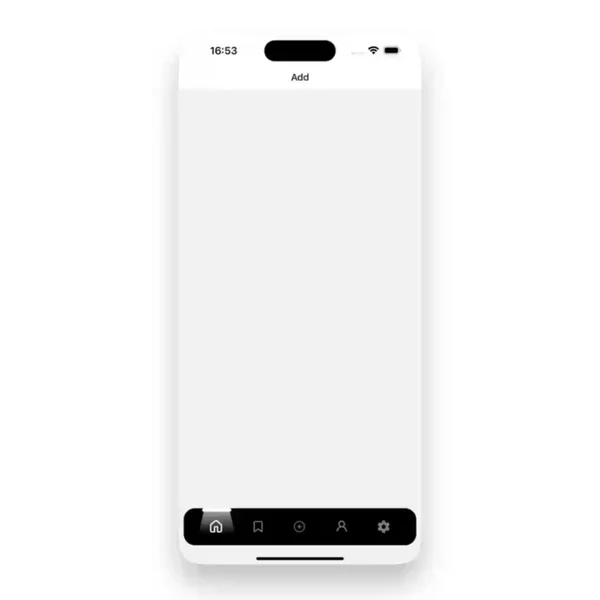

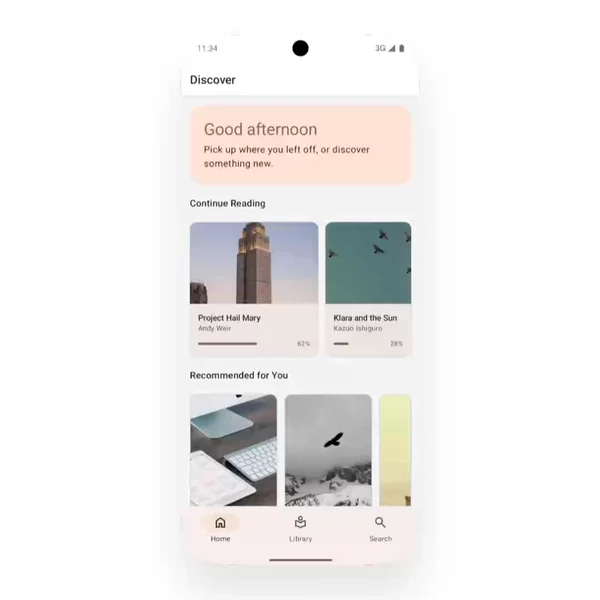

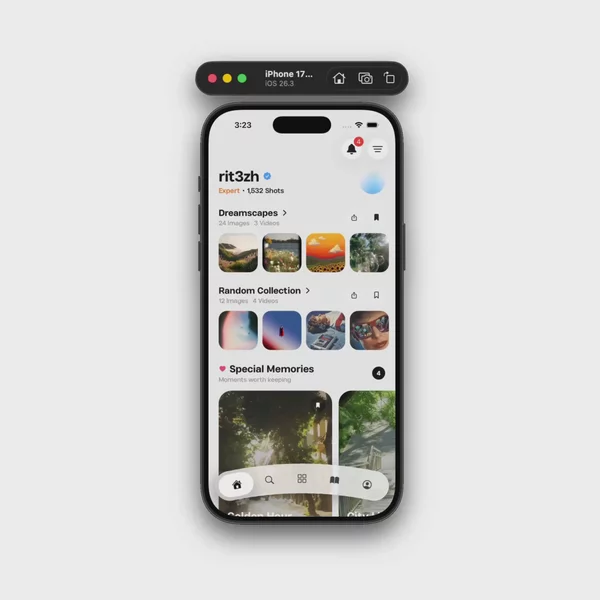
Native is a contract. Custom is a drawing.
A system tab bar is the OS control. On iOS that is a UITabBar. On Android it is the platform bottom navigation. Expo Router now ships that path as native tabs. You get the safe area, the home indicator, the selected state the phone already knows. You do not get a morphing indicator you designed in Figma.
The other path is a JavaScript bar. @react-navigation/bottom-tabs is the one most apps start with. Expo Router's Tabs layout is that navigator. It is familiar. It is also a View you style. Safe area, tabBarHideOnKeyboard, and a scroll that should tuck the bar away are your problem the moment you leave the defaults.
Both are bottom tabs. They do not share a renderer. Mixing a native tab bar with a JS header is normal. It is also work. A settings stack on top of system tabs is a different tree than four Pressables you painted yourself.
The custom ones are why people search
The request is rarely "give me four icons." It is a floating pill, a center action that breaks the grid, a bar that hides on scroll, a selected tab that stretches. That is a custom tabBar, or the headless pieces in expo-router/ui. Reanimated can drive the indicator. The home screen, the cart, the profile — those are the surfaces. The bar is what people remember.
A screenshot of Home / Search / Profile does not tell you if the bar is native. You have to see it move. The system one has weight. The custom one has a bounce you cannot get from a tint color. Devs asked because they were tired of hunting. I was already tagging. The range is the point of the shelf.
I put the ones I find in the Tab bar filter. Native on one end. The weird custom ones on the other. I add more when I find them.
A filter does not pick the navigator for you. Some of what I collect is a video of the motion, not code you can paste. It removes the part where you do not know what the bar is supposed to feel like.
If you already know you want the system bar, or a custom one, skip the wide search and go straight to that row.