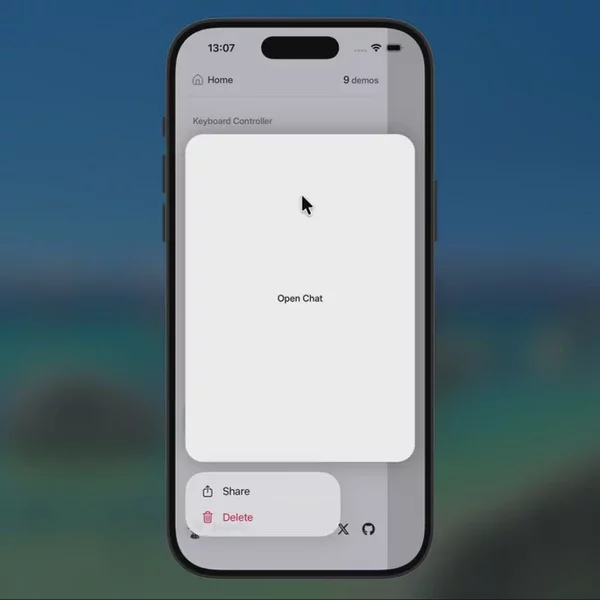
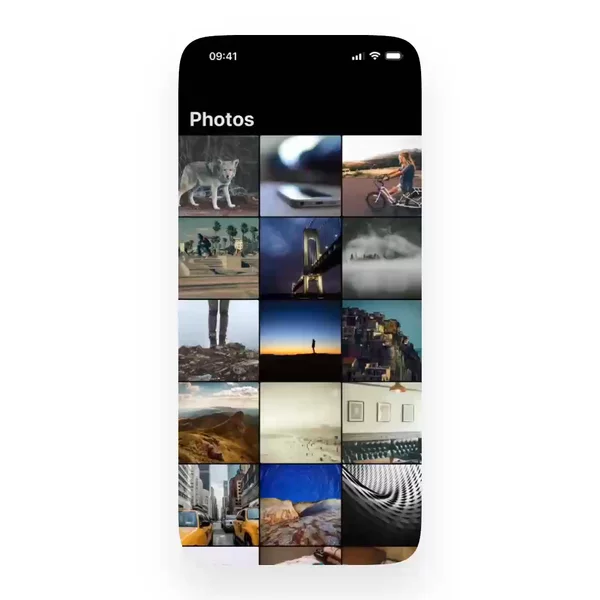
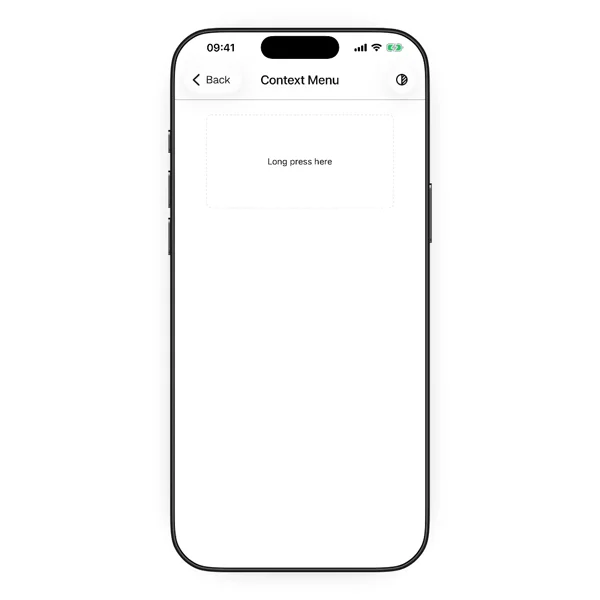
Context menu
ComponentsContext menu
AnimationsEntering / exiting
More data on
MCP
Once you have a Pro this block can be installed through Native Bloom MCP. Set the server up in your coding agent, copy this block's link, and ask the agent to install it. Add a short comment if you want it adapted to your app.
Prompt
Paste this prompt into your AI coding agent in your Expo or bare React Native project to build this block. It's intentionally strict about preserving your current app architecture. By default, it aims to match the reference video. Add instructions below only if you want a personal touch.
AI assistant
If you want to know how this block works, which packages it uses, or how the pieces fit together, ask the agent. It can read this block's catalog context and walk you through it.

More blocks like this
Expo iOS26 components preview
iOS drawer link preview
Expo router v7 preview
Image gallery iOS zoom transition
ChatGPT drawer delete chat interaction