3 min
Images in React Native, from the first load to the gallery
The core Image renders the picture. The flash before it, the old photo in a recycled row, and the jump when the size arrives are yours to handle.
Which image component should you use in React Native? For a static asset, the core Image is enough. For anything loaded from the network, inside a list, or swapped while the user watches, use expo-image. Most of the work in an image block is not drawing pixels. It is everything before and after the pixels arrive.






A React Native image fails before it loads
The core component is honest about its limits. The React Native images guide says that for network and data images you have to specify the dimensions yourself. Skip that, and the box has no size until something gives it one. The text below it moves when the photo lands.
That is the first failure. The second is the empty frame. A remote photo takes time, and a blank rectangle on a profile screen reads as broken, not as loading. The third shows up only in a list. A row gets recycled, the old source is still on screen, and for a moment the wrong face sits next to the right name.
None of these show up on a fast connection in the simulator. All of them show up on a phone on mobile data.
expo-image covers the gaps the core Image leaves
The expo-image docs list the pieces that map onto those failures:
placeholderfills the empty frame. It takes an image or a compact BlurHash or ThumbHash string, so the slot shows a blurred version of the photo instead of nothing.transitionremoves the flash. A number is the duration in milliseconds of a cross-dissolve when the source changes.recyclingKeyfixes the wrong face. Changing it resets the view to blank or the placeholder before the new image loads. The docs name FlashList as the case it exists for.contentFitreplacesresizeMode. It mirrors CSSobject-fit, andcontentPositionmirrorsobject-position.cachePolicydecides where the bytes live. The default is disk.memory-diskadds a memory layer with disk as the fallback.
One detail catches people. The placeholder has its own placeholderContentFit, and it defaults to scale-down, not cover. The docs warn that the mismatch can cause flickering. Set it to match contentFit and the blurhash and the photo line up.
The core Image still has a place. A bundled icon or a logo from require() already has known dimensions and no network delay. Adding a dependency for that buys nothing.
The hard part is how the image arrives
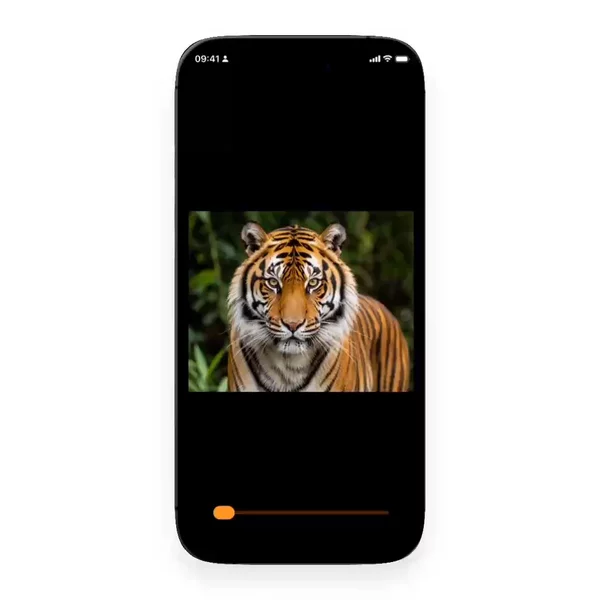
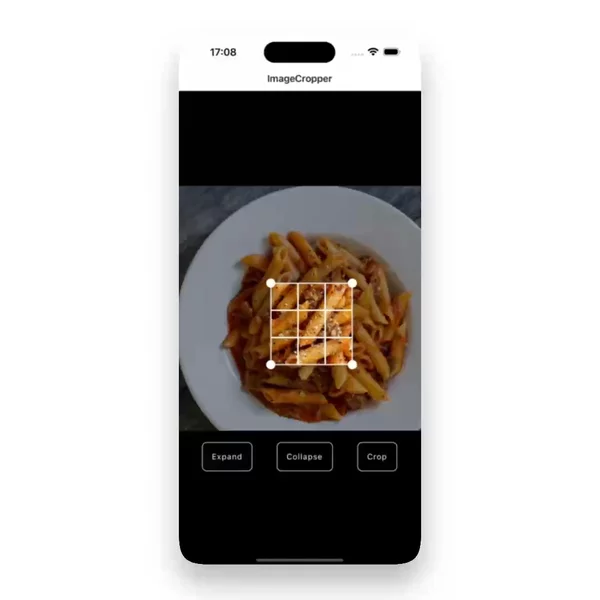
Knowing the props does not tell you what a good load looks like. Does the photo fade in over 200ms or 600ms? Does the placeholder blur, or show a solid color? Does the press state scale the whole card or only the image? Those are motion decisions, and you only judge them by watching one.
That is why I review image blocks on video. A screenshot of a finished gallery looks the same whether the load was smooth or jumped twice. When the images are the slides, the swipe is its own topic, and I wrote about it in the carousel post.
Watch the load before you pick the code
Open the shelf, play a few, and look at the second before the photo appears. That is where they differ. The blocks I have filed so far are in the Image filter, and new ones go there when I find them.