3 min
Media in React Native is audio, camera, image grids, and video
Audio, camera, image grids, and video each sit on a different native API. Here is what each one needs in React Native and where the real work hides.
You need a voice note in a chat. Then a camera screen for a profile photo. Then a grid of uploads, and a video that plays inside a feed. Each of those touches hardware or a native player, so each one ships with a native module behind it, and the camera screens are where that shows first.
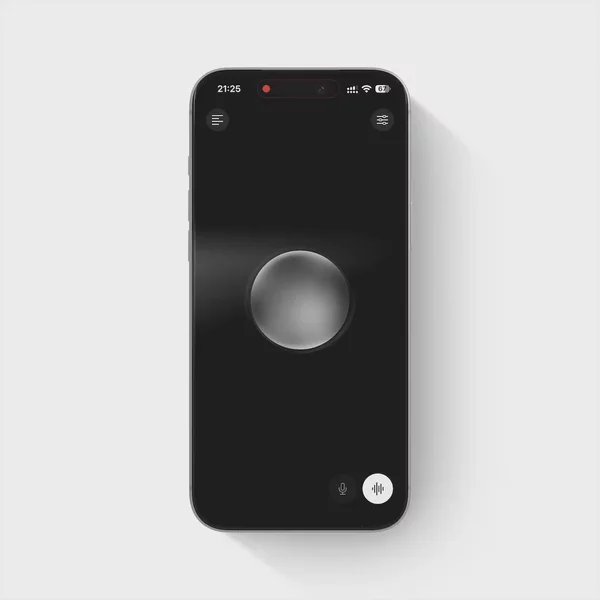
Voice app with GPT-Live 1
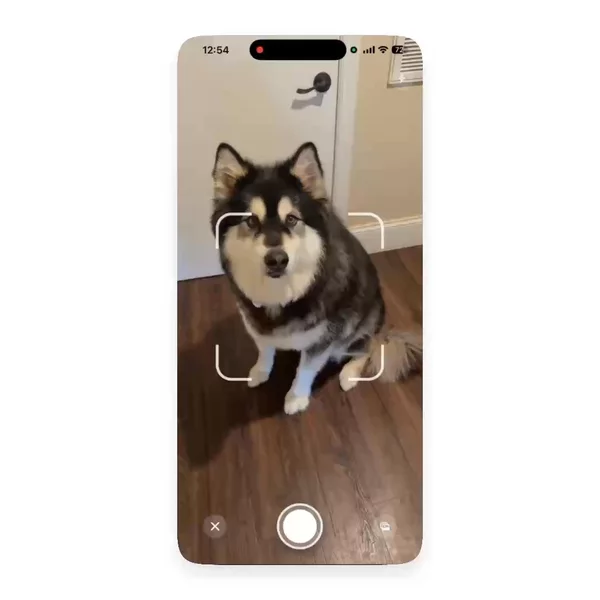
Turning photos into stickers
Pixel explosion effect
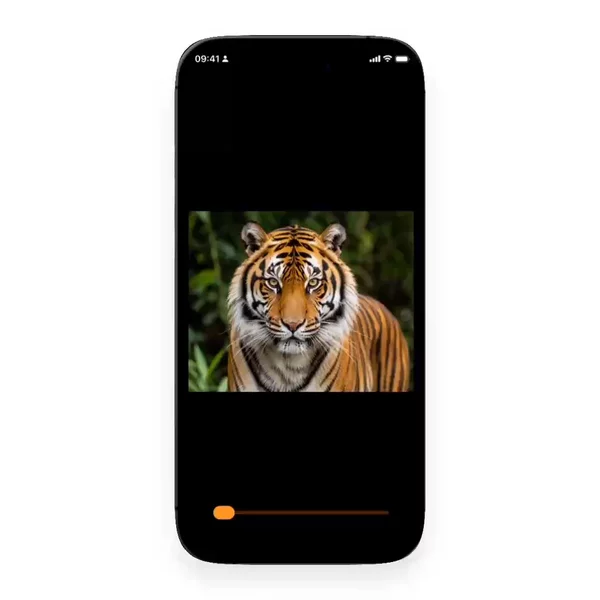
Video 2x lock interaction




Media breaks on the things a screenshot hides
A button looks finished when it looks right. A media block does not. It has state you cannot see: is the player loaded, is the microphone allowed, is the camera still running after the screen lost focus. You find out on a real device, usually on the second platform you test.
Permissions are the first wall. Camera and microphone both need a prompt on iOS and Android, and the copy for that prompt lives in config, not in your component. Background behavior is the second wall. In Expo, background playback for video and background recording for audio are both opt-in config, and on Android a background recording runs as a foreground service with a persistent notification. None of that shows up in a mockup.
Four pieces, four native surfaces
The group looks like one topic. Underneath, each term sits on its own native API.
Camera depends on what you do with the frames. CameraView from expo-camera takes photos, records video, and can scan barcodes. When you need to process frames live, react-native-vision-camera streams them to a JS worklet. The tradeoff is scope. One is a capture screen. The other is a pipeline.
Reading digits off a card, like a credit card scanner, is pipeline work: something has to look at every frame.
Video separates the player from the view. expo-video gives you a player object and a view that only shows it. Picture in Picture is a prop, but it also needs a config plugin, so a working PiP demo tells you something about the whole project.
Audio is two jobs, playing and recording. Playback and capture are separate hooks in expo-audio, and capture adds a permission and an audio mode before the first sample. The UI on top is the part people notice: a waveform, a scrubber, a hold-to-record button.
Image grids are a layout problem with heavy cells. A grid of thumbnails is a list where every cell decodes an image. Spacing, aspect ratio, and what happens on tap make it feel native or not. The Google photos grid is a familiar benchmark for that kind of grid.
A single image has its own problems, which I wrote about in the image post.
Seeing the motion is half the decision
With media, the static frame lies the most. A recorder looks like a red circle until you see how the waveform reacts. A video card looks like a thumbnail until you see the controls fade. A camera screen looks like a black rectangle in any screenshot.
So the search is not whether a library exists. Expo and VisionCamera answer that. The search is for a finished screen built on top of them, where the transitions, the empty states, and the permission moment already look right.
Start from the hardware you touch
Camera, microphone, player, or photo library: name the one your screen needs, then look at screens that already handle its permission and its loading state. The image grid row is the easiest place to start, because grids show every one of those problems in one scroll.