3 min
Scroll-driven animations, from collapsing headers to progress bars
The scroll offset is the only clock. A header that shrinks, a parallax image, and a reading bar all read the same number, and most bugs live past its edges.
You drag a list and the header gets smaller. Nothing is on a timer. The finger moves the list, and the list moves the header, the parallax image, and the progress bar along with it. Scroll position is the animated value.



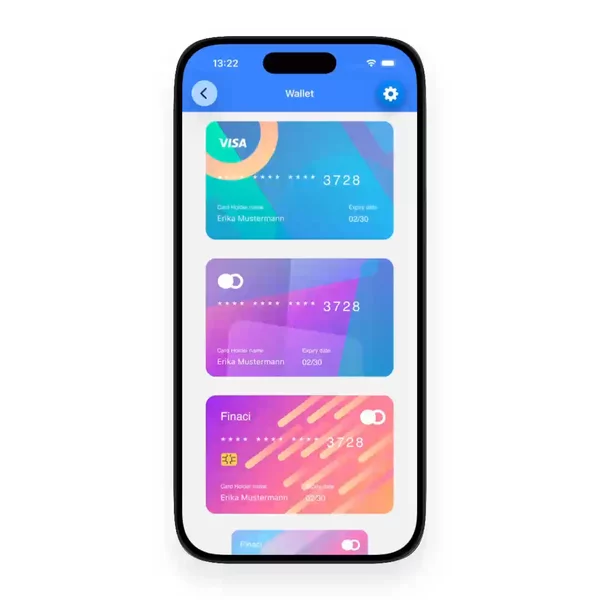



Every React Native scroll-driven header starts here
This is the version almost every collapsing header starts from. It uses useAnimatedScrollHandler to copy the offset into a shared value, then maps it to a height.
const scrollY = useSharedValue(0);
const onScroll = useAnimatedScrollHandler((e) => {
  scrollY.value = e.contentOffset.y;
});
const headerStyle = useAnimatedStyle(() => ({
  height: interpolate(scrollY.value, [0, 120], [200, 80]),
}));
// <Animated.ScrollView onScroll={onScroll}>
It looks right on the first scroll. The handler runs as a worklet on the UI thread, so the header does not wait on the JS thread. Reanimated only wires it up when the list is an Animated.ScrollView or another Animated scrollable. A plain ScrollView will not fire it.
The bug lives past the edges of the range
The input range is [0, 120]. Real scroll offsets do not stay there.
Pull down at the top of an iOS list and it bounces. The offset goes negative. Keep scrolling past 120 and it keeps growing. interpolate defaults to Extrapolation.EXTEND, so it keeps the line going in both directions. On the bounce the header grows taller than 200. Past 120 it keeps shrinking below 80, toward zero and then negative.
height: interpolate(
  scrollY.value,
  [0, 120],
  [200, 80],
  Extrapolation.CLAMP
),
CLAMP pins the output to the ends of the range. That is usually what a sticky header wants once it has collapsed. It is not always what you want at the top, though. A parallax header often wants the image to stretch on the bounce. For that you can clamp one side only, by passing { extrapolateRight: Extrapolation.CLAMP } and leaving the left edge to extend.
That one argument is the difference between a header that feels native and one that tears apart on the first pull.
Same number, different screens
Once the offset is a shared value, every scroll-driven effect is a mapping from that number:
- Collapsing or sticky header. Height, title scale, and border opacity all read one offset, so they move together. The Spotify album collapsing header is the familiar version of that header.
- Parallax header. The image moves at a fraction of the list speed, plus a stretch on the negative side.
- Reading progress. Offset divided by content height minus viewport height, drawn as a bar width, like an article progress bar.
If you only need the number, useScrollOffset gets it for you from an animated ref. It works with ScrollView, FlatList, and FlashList, and it detects horizontal or vertical on its own. useAnimatedScrollHandler is still the one to use when you need onBeginDrag, onEndDrag, or the momentum events, for example to snap the header open or shut when the finger lets go.
This is a different driver from the one in my gesture-driven post. There the finger sets the value directly. Here the finger moves a list, and the list owns the value, with its own bounce, momentum, and content height.
Pull every header past its edges
Two headers can look identical in a screenshot. One clamps, one stretches, one snaps on release. You only see which is which when it moves, and especially when it bounces. Overscroll the top and fling past the bottom before you copy one. The scroll-driven blocks to try that on sit in the scroll-driven filter.