3 min
Shimmer is a gradient band sliding across a mask
Every shimmer is the same three parts. A shape to clip to, a soft band of light, and a loop that slides the band across.
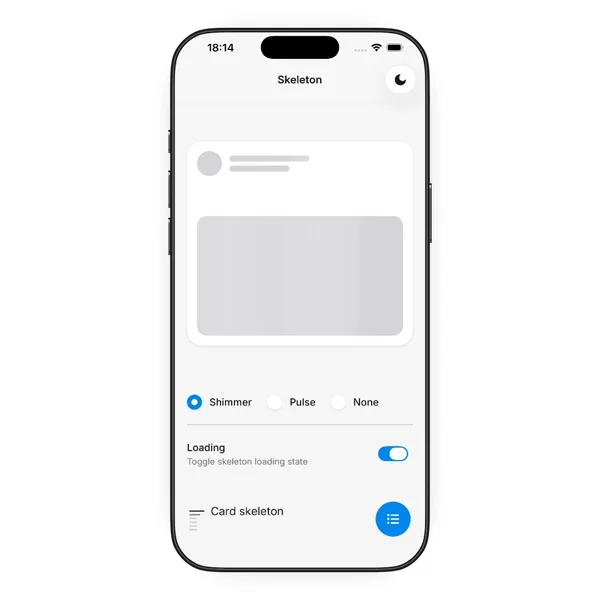
A gray placeholder card with a pale band of light running across it, left to right, over and over. You know the screen is loading before any text says so. The same band running across a gold badge says something else entirely: this one is special. Both are shimmer, and the Shimmer term holds the loading kind and the shine kind side by side.




Three parts, every time
A shimmer is a shape, a band, and a loop. The shape is whatever should catch the light: a skeleton row, a line of text, a badge. The band is a gradient that goes from transparent to a lighter color and back to transparent. The loop moves the band from fully off one side to fully off the other, then starts again.
The band is usually an expo-linear-gradient wider than it is tall, tilted a little so it reads as light rather than a wipe.
const x = useSharedValue(-width);
x.value = withRepeat(
  withTiming(width, { duration: 1200, easing: Easing.inOut(Easing.ease) }),
  -1,
);

const band = useAnimatedStyle(() => ({
  transform: [{ translateX: x.value }, { rotate: "15deg" }],
}));

// Inside a view with overflow: "hidden" for simple shapes,
// or under a MaskedView when the shape is text or an icon.
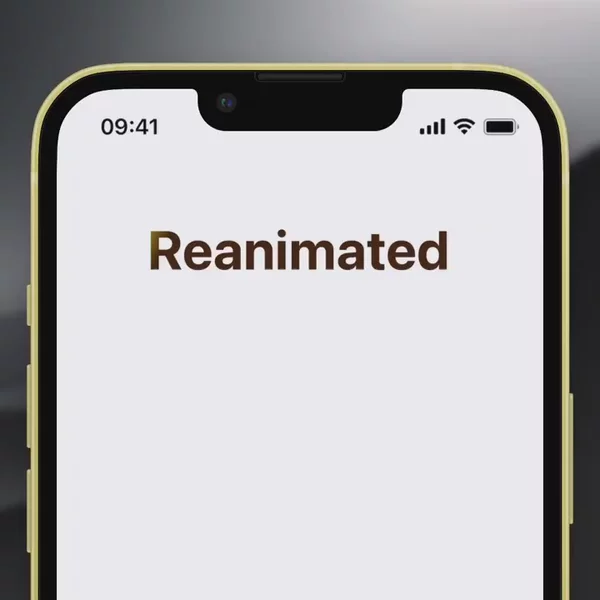
For rectangles and rounded cards, overflow: "hidden" on the container is all the clipping you need. For text and icons, the band has to be cut to the glyph shapes, which is what a masked view does: the text becomes the mask and the gradient shows only where the letters are.
Loading shimmer should be calm
On a skeleton, the shimmer is not the content. It is a promise that content is coming. A slow sweep, around a second or more per pass, with low contrast between the band and the base, reads as patient. A fast, bright sweep reads as an error.
All placeholders on the screen should shimmer in sync. If each card runs its own loop, the bands drift apart and the screen flickers. One shared value driving every band keeps them moving together.
The layout under the shimmer matters more than the shimmer itself. If the placeholder rows are a different height from the real ones, the list jumps when data lands, and the skeleton post is about exactly that.
Shine shimmer should be rare
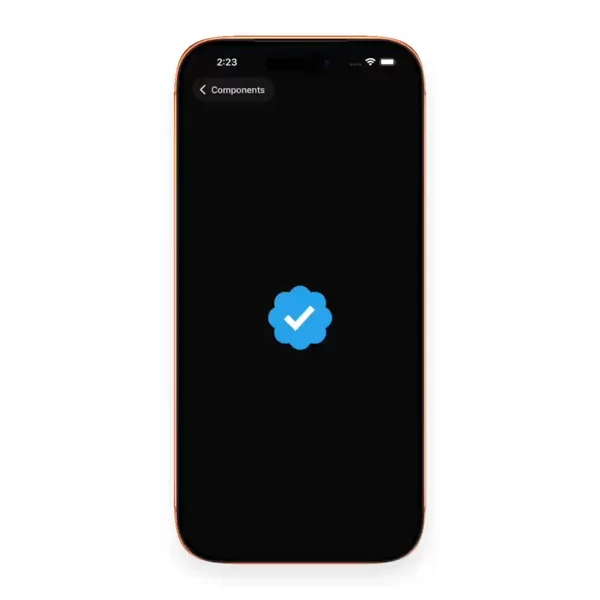
On a badge, a premium button, or a "slide to unlock" label, the shimmer is a highlight. It earns attention because nothing else on the screen is doing it. The verified shine badge icon is that use: light on a small mark, not on the whole screen.
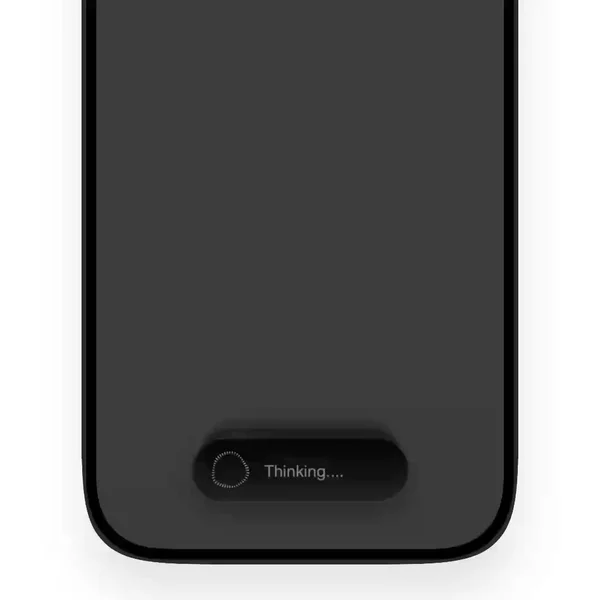
Shine can run once on appear, or loop with a long pause between passes. A shine that never pauses stops reading as special after a few seconds. The slide to unlock animation is the classic case of a loop that points somewhere: the light usually runs the way you should swipe.
Either kind should stop when Reduce Motion is on. A static placeholder still says loading. A static badge still says verified.
Pick the job first, loading or shine, then the speed. The skeletons and the shiny marks both live under shimmer animations.