3 min
A toast confirms the tap, then goes away
Confirm the tap, then leave. If it waits for a button it is an alert, and if it camps on the screen it is a snackbar.
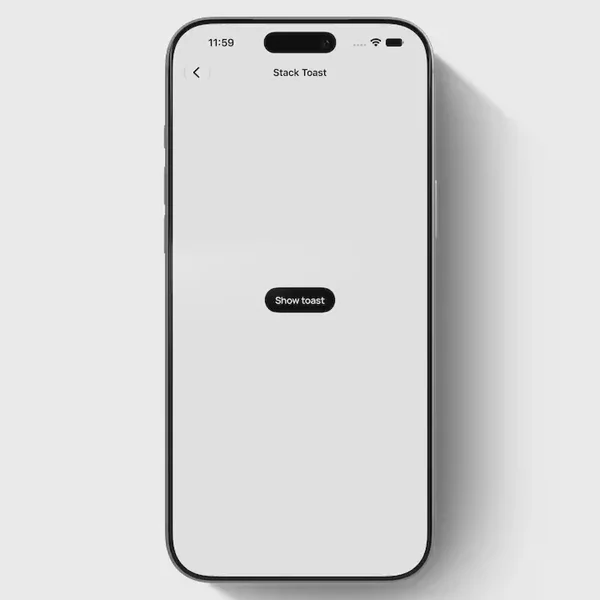
Where did the short status ping go when you search React Native UI? You want a toast. Yes — a React Native toast is ephemeral feedback: one line that says Saved, Copied, or Failed, then leaves without owning the screen.




A ping is not a wall
An alert or dialog asks for a decision before anything else moves. A toast does not. It reports something that already finished — the upload landed, the link copied, the settings synced — and then it gets out of the way.
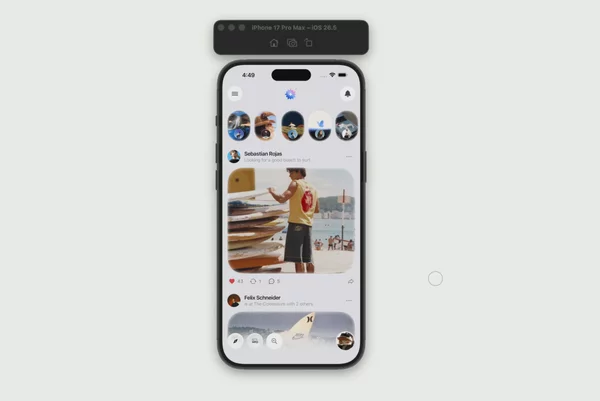
That is why builders keep asking for it under a different name. They say banner, or "that little chip at the top," and they mean the same job: short confirmation, not a modal. On iOS the chip at the top has grown into the Dynamic Island, and a Dynamic Island notification is the same ping wearing the hardware.
ToastAndroid covers the Android system toast. iOS has no matching core API in React Native. So the same product sentence often becomes two implementations, or one JS layer that draws the same pill on both platforms. The naming drift is real. The user job is not.
Three ways people ship the ping
Sonner-style hosts. Libraries like sonner-native bring the Sonner API to React Native: a root toaster, imperative toast calls, variants, and swipe dismiss. The tradeoff is you adopt that stack and host. Fine when you want one API for success, error, and promise states.
Generic JS toast hosts. Packages like react-native-toast-message keep an imperative API and a root host you style yourself. You get layouts, icons, and keyboard-aware placement. The tradeoff is you own safe areas, queues, and what happens when a navigator or a modal eats the z-index.
Snackbar with an action. Material's snackbar pattern adds Undo or Retry on the same strip. That is still a status strip, but it is no longer a pure ping — it is a ping that can reverse the last step. Use it when the user might need one tap back. Keep a plain toast when the message is already final.
The failures I see over and over are the same: the chip hides under the status bar or home indicator, rides the soft keyboard wrong, or never appears above the modal that triggered it. Duration is the easy part. Stacking and insets are the hard part.
Finding the ping is its own search
You already know you need a short confirm. The second problem is narrower. You remember a Saved chip that stacked cleanly over a sheet, or a notification that opened into more detail, like this expandable in-app notification. You do not remember the package name.
Search "toast" and you get system Android notes, web Sonner ports, and snackbars with actions mixed in. The noun is overloaded. I keep the real implementations under one term so the pile stays honest: confirmation that leaves, not another dialog.
A toast is one answer to "did that work." Spinners, skeletons, and banners are the others, and the post on loading and status UI lines them up.
Watch it over a modal before you pick it
Insets decide most toast bugs, so judge every candidate with a sheet open and the keyboard up. Start with the ones in the Toast filter.