4 min
Data display, from avatars and badges to calendars and maps
An avatar, a heatmap, and a timeline look nothing alike. Each one takes data you already fetched and decides how much of it fits on a phone screen.
An avatar, a heatmap, and a timeline look nothing alike. They do the same job. Each one takes data your app already fetched and decides how much of it fits on a phone screen.
That is why they share a shelf. Cards, carousels, and charts already have their own posts, starting with the card one. These are notes on the rest.




1. The small ones carry the most meaning per pixel
A badge is a number in a dot. A chip is a word in a pill. An avatar is a person in a circle. They are tiny, and they repeat in every row of a list.
That repetition is the hard part. A react native avatar that loads a remote image has to handle the missing image, the slow image, and the initials fallback. Put it in a FlatList with a few hundred rows and every one of those cases shows up while you scroll. An avatar group adds overlap and a "+3" counter, which is one more thing that has to stay readable at small sizes.
Badges and chips break on text. A count goes from 9 to 10 to 99+. A chip label gets translated and doubles in width. The ones worth copying are the ones that still look right with the long string.
2. Accordion and collapsible are about height, not about data
An accordion and a disclosure-collapsible hide content until you ask for it. The data is easy. The height is not.
Animating to a height you do not know yet is the classic problem. The content has to be measured with onLayout before the animation knows where to stop. With Reanimated you can animate that height on the UI thread, and the layout animations API takes some of the measuring off your hands. A react native accordion that skips this step usually snaps open instead of growing.
3. Table, calendar, and heatmap are grids that fight the screen width
A table wants columns. A phone has about one and a half. Most mobile tables either scroll horizontally, pin the first column, or collapse each row into a stacked card. Each choice loses something. A react native table that scrolls in both directions also has to keep the header aligned with the body.
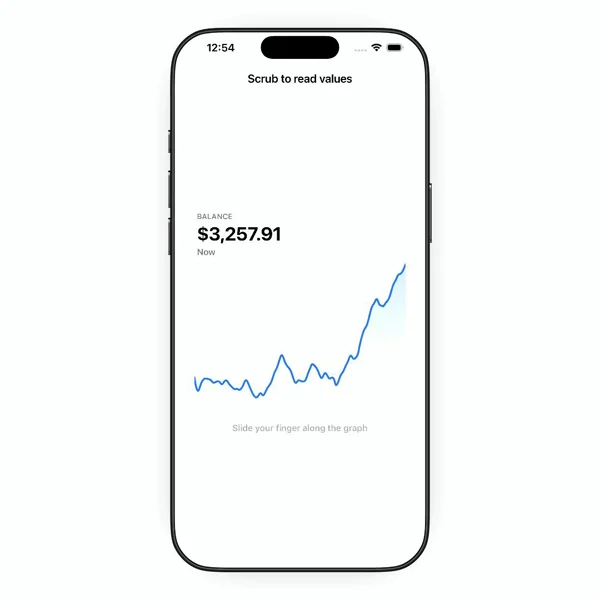
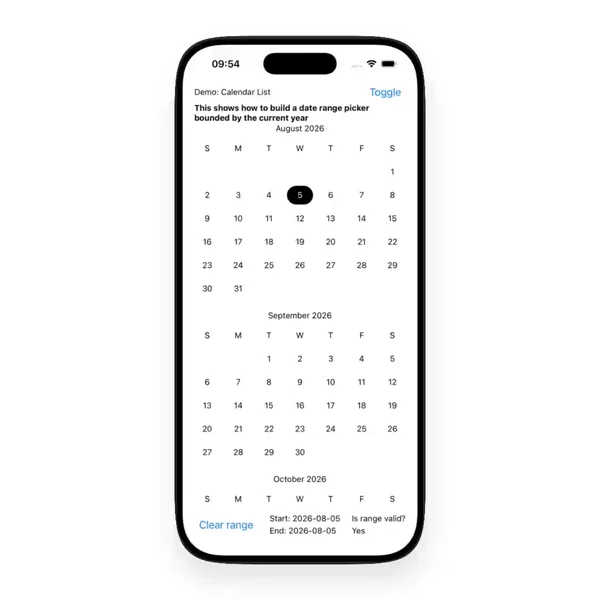
A calendar is a fixed grid of seven columns, so width is solved. Dates are not. Week start, locale, and month length change the grid every time. A heatmap is a calendar that forgot the numbers and kept the color. It reads well at a glance and badly for exact values. When the exact values matter, it is a chart problem instead.
4. Timeline and orbit are layout, mostly
A timeline is a vertical list with a line running through it. The line is the trick. It has to connect dots across rows of different heights, so it is usually drawn per row and stitched, or drawn once behind the whole list.
Orbit is the odd one on the shelf. Items sit on a circle around a center. That is mostly math on positions, plus a rotation if it moves.
5. Map is the one that is native under the hood
Everything above is views and layout. A map is not. react-native-maps wraps the native map views, so markers, gestures, and performance follow the platform underneath. So the work on a map screen is usually what you put on top of it: markers, callouts, and whatever slides up when one is tapped.
The shelf is wider than the card
When I need one of these, I already have the data. What I am missing is a version that survives long labels, slow images, and narrow screens. Seeing it move tells me that faster than reading its props.
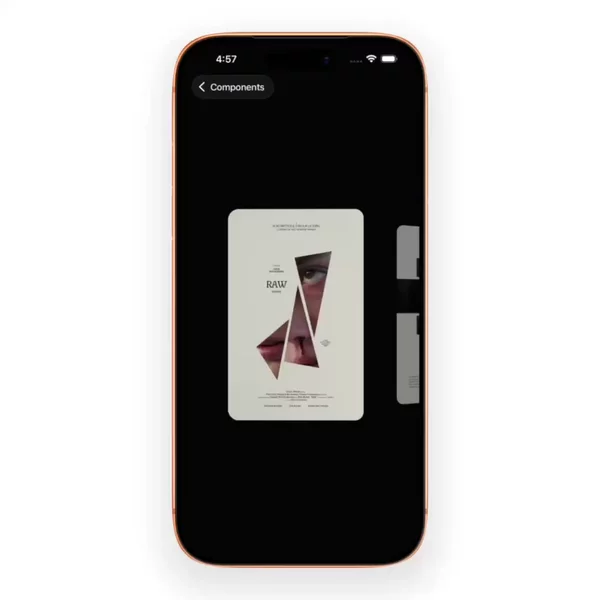
If the screen is a swipeable row of those cards, the carousel notes cover it.
Everything else on this list sits in the Data Display group of the components filter. I add new blocks to that shelf as I find them.